Prepare a clear reference sheet for your next job application with these free professional reference list templates for Word. Organize each contact’s name, role, organization and contact details, and explain how they know your work.
The collection includes six editable Word (.docx) documents, supplied in ZIP files. These are employment reference lists, not academic bibliographies or reference letters. Choose a layout, replace the sample information and follow the employer’s instructions about when and how to submit it.
Extract the ZIP file and open the enclosed document in Microsoft Word. Remove unused entries and instructional text before sharing your completed reference sheet. Replace generic company headers with your own name and contact details where appropriate.
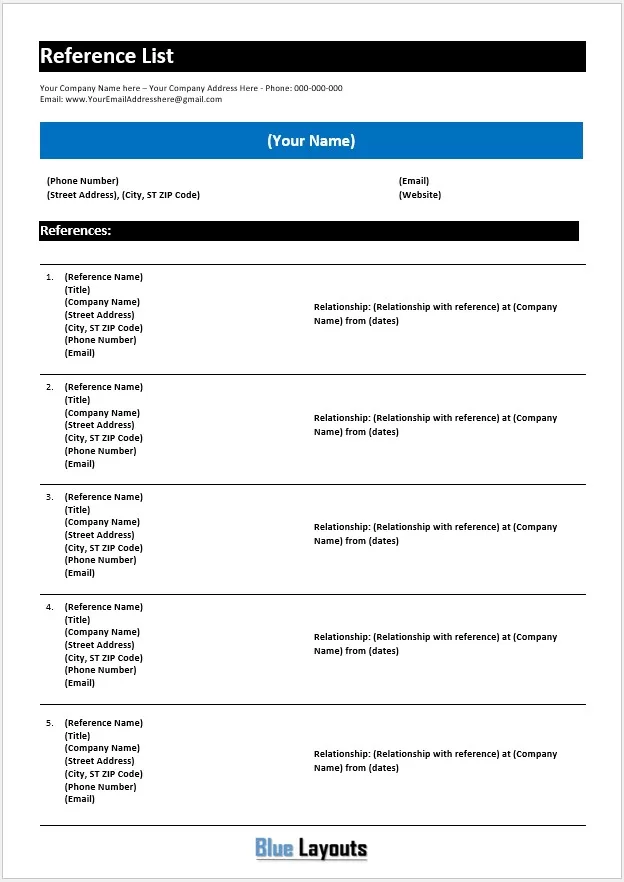
01. Reference Sheet with Relationship Details
Includes an applicant contact block and five reference entries with name, title, company, contact details and a relationship statement with dates.
Customization tip: Useful when you want to explain where and when you worked with each person. Keep only the number of entries the employer requests.
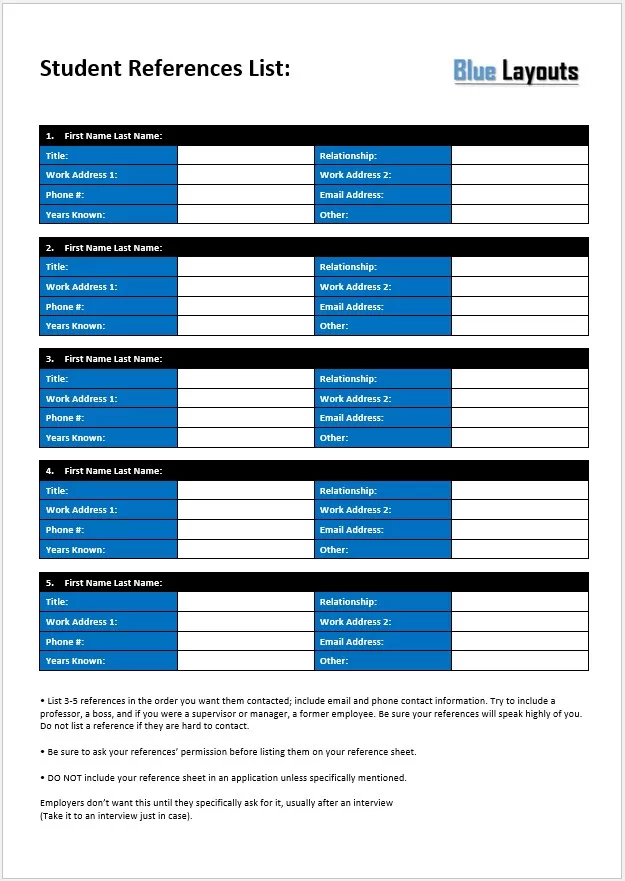
Provides five contact blocks with title, relationship, work address, phone, email and years known, followed by guidance for students.
Customization tip: Suitable for organizing instructors, placement supervisors or other contacts who can discuss your relevant experience. Remove the instruction section before submission.
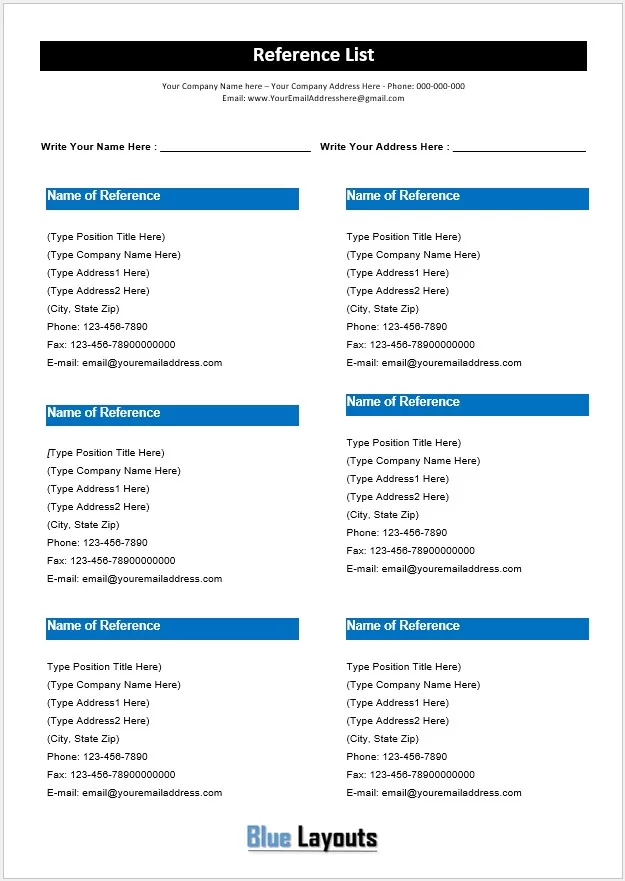
Includes applicant details and six reference blocks with position, company, address, phone, fax and email fields.
Customization tip: A starting point for a longer contact list. Remove fax and full-address fields when unnecessary, and add a relationship line if useful.
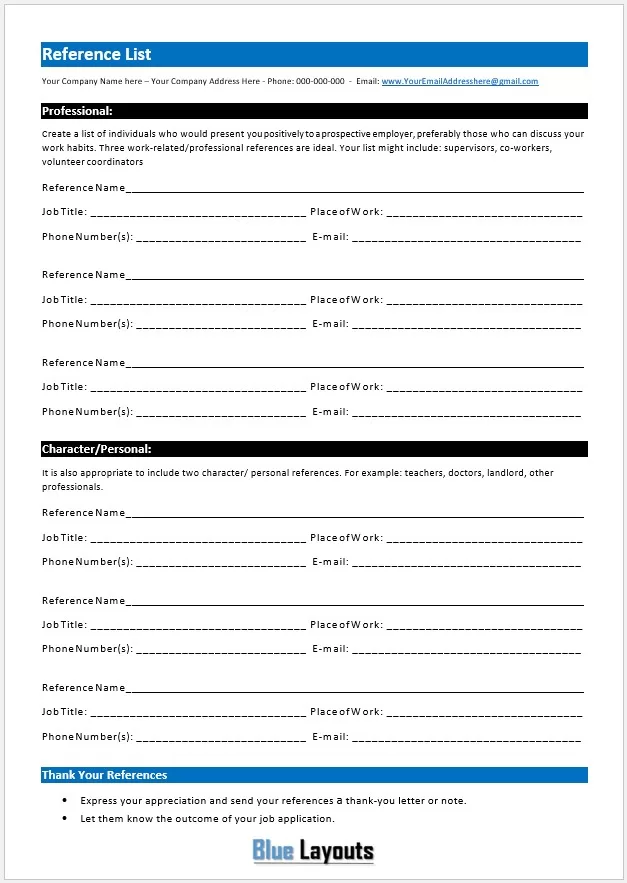
Separates professional contacts from character or personal contacts and includes a reminder to thank your references.
Customization tip: Useful for preparing a private pool of possible contacts. Its printed suggestions are not universal requirements; submit personal references only when requested or appropriate.
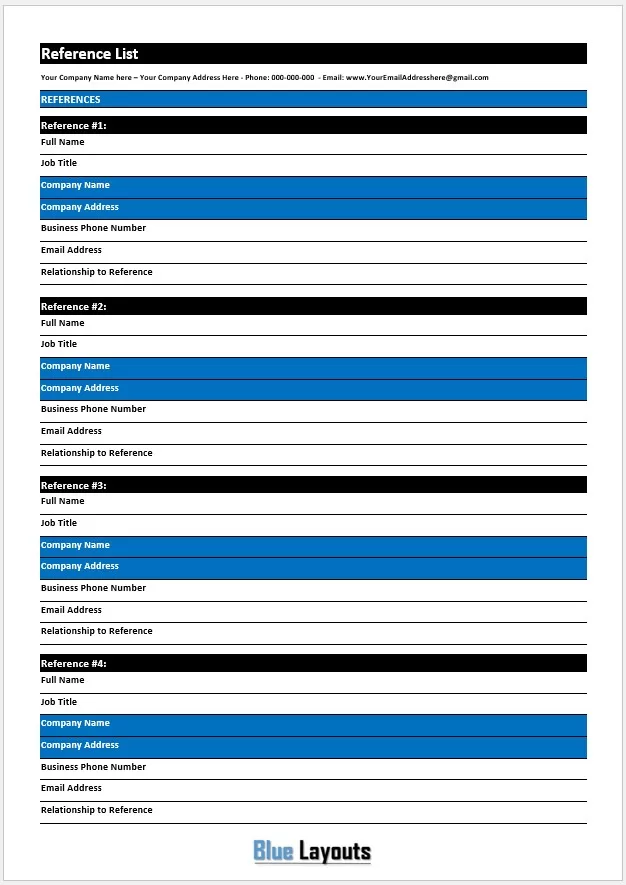
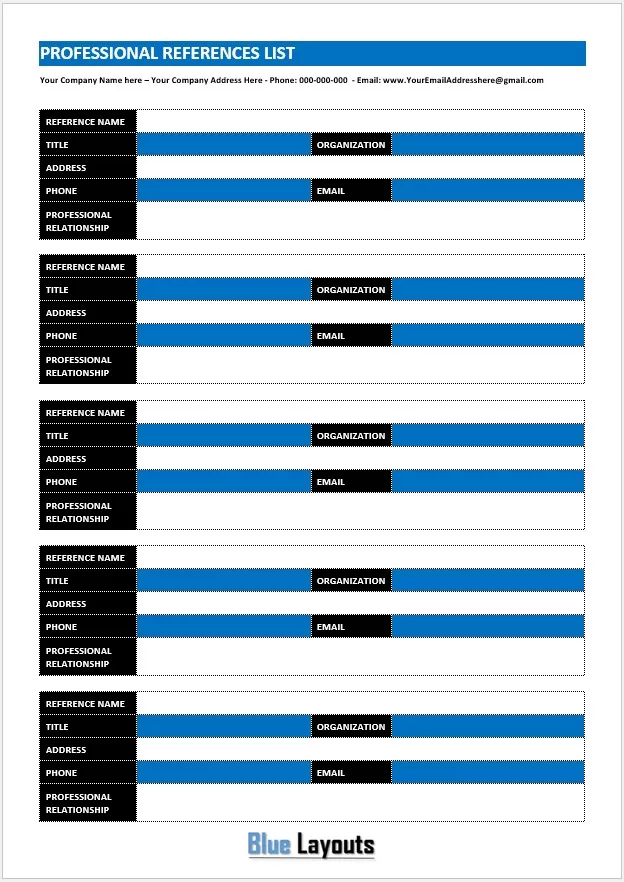
06. Professional References List with Repeated Fields
Provides five reference blocks with name, title, organization, address, phone, email and professional relationship.
Customization tip: A straightforward layout for a separate reference sheet. Replace the company-style sample header with an applicant header and remove blank blocks.
A professional reference list is a document naming people an employer may contact to ask about your experience, skills and working relationships. It helps the employer identify the right people and understand the context of their comments.
Keep it as a separate document from your resume unless the application specifically asks for a different format. A reference list supplies contact information; a reference letter contains a written recommendation. Neither is the same as an academic list of sources.
What to Include on Your Reference Sheet
Your name and contact details: Use a heading consistent with your resume so the documents are easy to associate.
The reference’s full name: Confirm the preferred spelling.
Current job title and organization: Verify these details rather than copying an old record.
Approved contact information: Use the phone number and email address the person agrees to share.
Your relationship: Explain whether the person supervised you, worked alongside you, taught you or oversaw your volunteer work.
The relevant period: Add dates or length of time known when helpful or requested.
Include a mailing address only when requested or useful for the application. Avoid adding private home addresses or other unnecessary personal details. If the reference has moved organizations, distinguish their current role from the role in which they knew you.
Example of a Professional Reference Entry
The following is a fictional formatting example. Replace every field with verified details from a person who has agreed to serve as your reference.
[Reference Full Name] Operations Manager, [Current Organization] Email: [Approved Email Address] Phone: [Approved Phone Number] Relationship: My direct supervisor at [Former Organization] from [Month Year] to [Month Year]. Supervised my work on [Relevant Responsibility or Project].
A short relationship statement gives the recruiter context without turning the entry into a recommendation you have written on the person’s behalf.
How to Choose and Prepare Your References
Start with the role. Choose people who can discuss responsibilities and skills relevant to the opportunity.
Ask before listing anyone. Confirm that they are willing to provide a reference and agree on the contact details you may share.
Provide context. Send your current resume and a brief description of the role so they understand what you are applying for.
Check availability. Verify that the contact details still work and that the person is likely to be reachable during the hiring process.
Submit the requested list. Follow the employer’s requested number, reference types and submission method.
Keep your contacts updated. Let them know when a relevant employer may contact them, and thank them for their help.
A former manager may be able to discuss your results and reliability, while a colleague can describe collaboration. If you have limited employment experience, consider a lecturer, internship supervisor or volunteer coordinator who has directly observed your work. A person’s seniority alone is less useful than their ability to give specific examples.
Follow the job posting and the recruiter’s instructions. If references are requested with the application, provide them in the specified format. Otherwise, keep the sheet ready to share when asked rather than automatically attaching it to every resume.
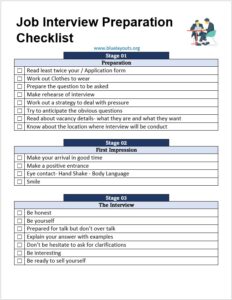
You generally do not need to use resume space for “References available upon request.” Preparing the separate sheet is more useful. Keep it with the materials you organize using a job interview preparation checklist.
If contacting a current employer could create difficulties, discuss an alternative with the recruiter before listing that person. Do not assume that a reference will remain uncontacted simply because you prefer a later contact date.
Keep Networking Contacts Separate from Submitted References
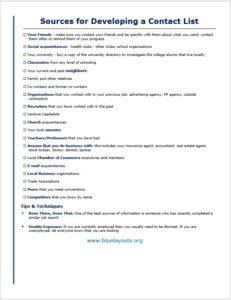
A person who shares job leads or career advice is not automatically a reference. Use a list of networking sources to manage your broader job-search contacts. Move someone onto a submitted reference sheet only after they agree and can speak meaningfully about your suitability.
Final Checks Before Sharing the Document
Remove sample company names, placeholder addresses, unused blocks and instructions.
Confirm that every listed person has agreed to be contacted.
Check names, titles, phone numbers and email addresses.
Match the employer’s requested number and type of references.
Keep entries together across page breaks and use readable formatting.
Save a dated working copy and export a PDF if that is the requested format.
Frequently Asked Questions
How many references should I list?
Use the number requested by the employer. These templates contain different numbers of contact blocks for convenience; the number printed on a form is not a hiring requirement. Maintain a small pool of suitable contacts so you can tailor each submission.
Can I use a reference list if I have no work experience?
Yes. A teacher, placement supervisor or volunteer coordinator may be able to discuss your reliability, skills and contributions. Explain the relationship and follow any employer requirements about acceptable references.
Can I list a friend or relative?
For a professional reference request, prioritize people who have observed your work or relevant activities. If the employer specifically requests personal or character references, follow its instructions about who is acceptable.
Are these templates for APA or other academic citations?
No. These files organize people who may provide employment references. Academic reference lists and bibliographies need a different structure based on the required citation style.
Can I edit the templates in Word and save a PDF?
Yes. Each download contains a .docx document. Edit it in Word, review the page layout and export a PDF if needed. Other editors may import the files, but check for formatting changes.