Create a clear service menu with these free nail salon price list templates. Start with a nail-focused Excel sheet or Word layout, then personalize the services, inclusions, prices, and booking details for your business.
This page contains nine download links: four nail-focused layouts, four related salon or barber designs, and one legacy file with a format issue. Compare the descriptions before downloading so you choose a suitable starting point.
The working nail-focused files include one Excel .xlsx workbook and three Word .docx documents, each inside a ZIP archive. Extract the archive and save a working copy before editing. Sample amounts and service descriptions need replacing; they are not market-price recommendations.
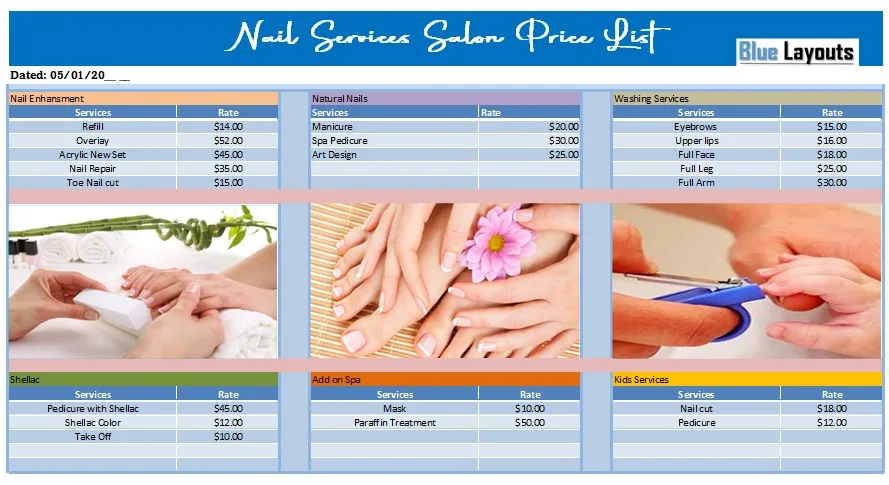
01. Nail Services Price Sheet
Format: Excel (.xlsx).
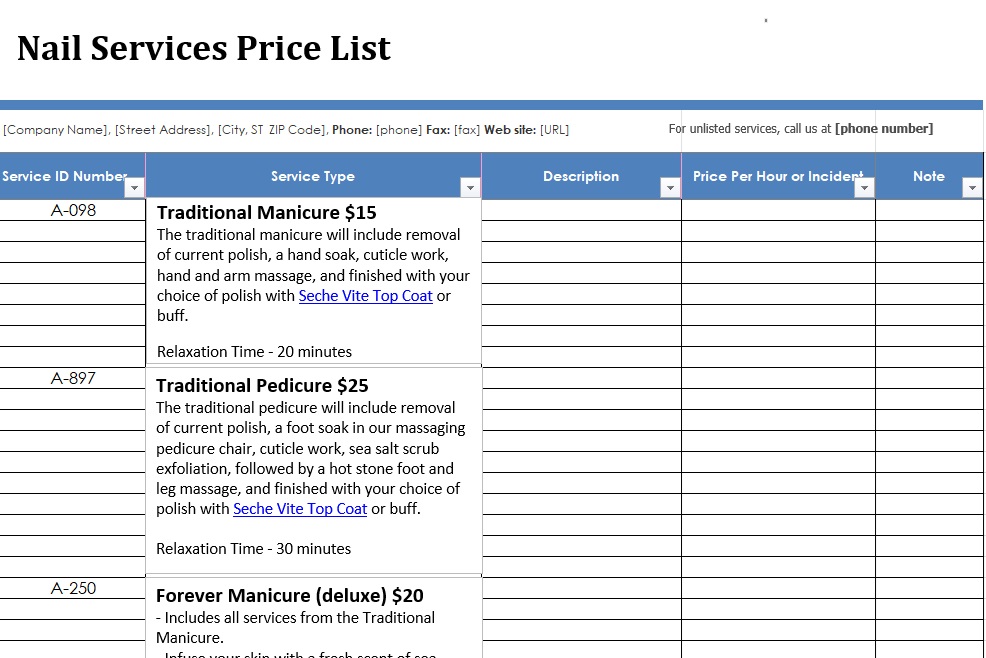
A six-section service-and-rate sheet covering nail enhancements, natural nails, a section labeled Washing Services, shellac, spa add-ons, and children’s services.
Editing note: Correct inherited spelling such as “Nail Enhansment” and “Overiay.” Review whether Washing Services should be renamed, since its examples concern hair removal. Replace all sample rates and the date. The workbook contains no formulas.
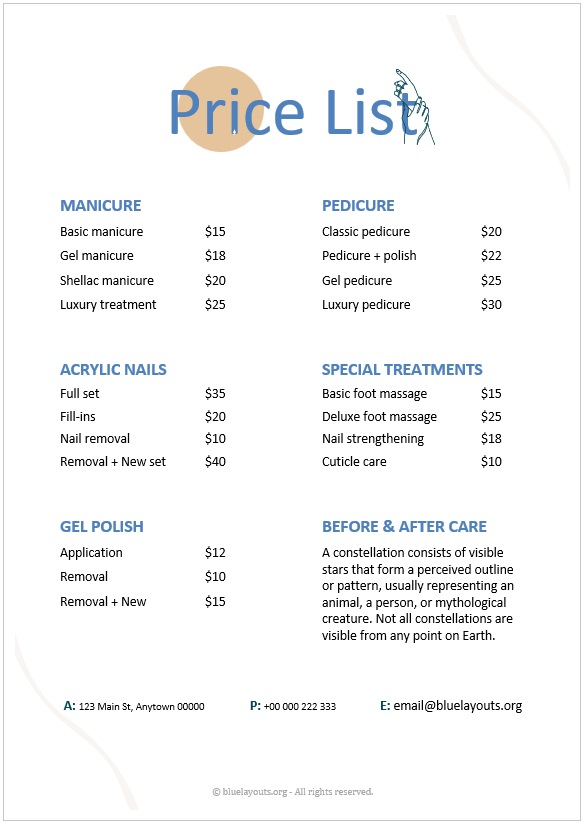
Groups manicure, pedicure, acrylic, gel-polish, and other service entries with sample prices and contact details.
Editing note: Replace the unrelated astronomy paragraph in Before & After Care with accurate salon information, or remove the section. The sample prices are not recommended rates.
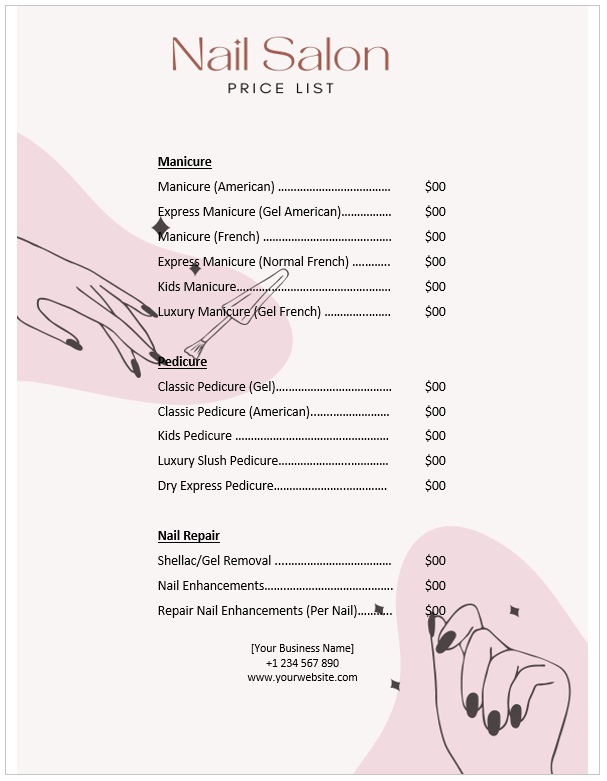
Provides named manicure and pedicure options, removal and enhancement entries, and a per-nail repair line.
Editing note: Replace the $00 amounts and business placeholders. Clarify the differences between similarly named treatments so customers know what each price includes.
These files are not primarily nail-service menus. Keep them as alternatives for a broader business menu or adapt the service content deliberately. For a dedicated hair-service collection, browse our hairdressing price list templates.
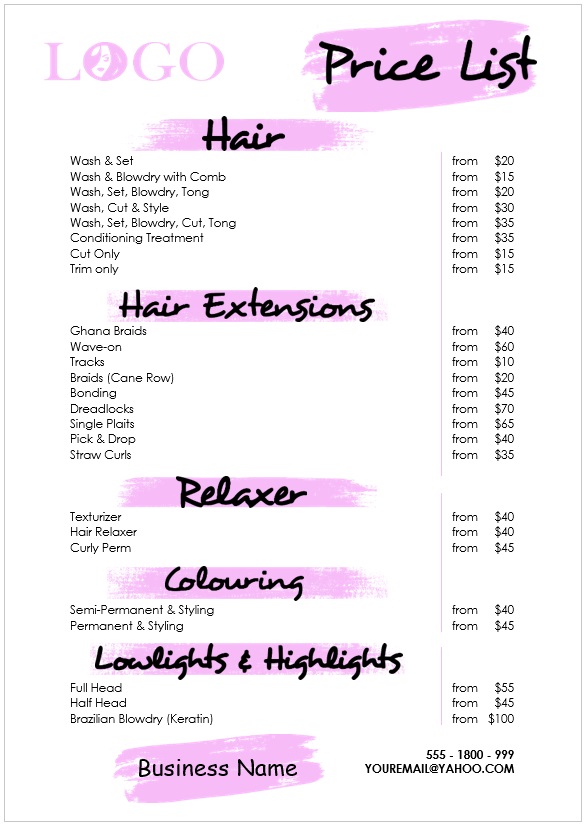
03. Pinky Hair Salon Price List — Related Layout
Format: Word (.docx).
A hair-service menu with styling, braiding, treatments, coloring, and other sample offerings.
Editing note: This is not a ready-made nail menu. Replace the service content throughout if adapting the design for nails, or choose a nail-specific layout instead.
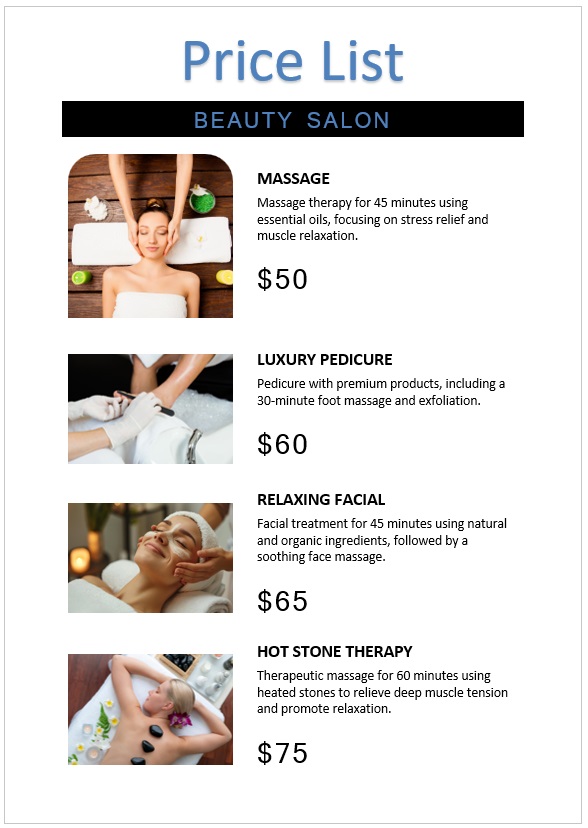
A short treatment menu with sample descriptions and prices for massage, pedicure, facial, and hot-stone services.
Editing note: Use only the services your business actually provides. Replace inherited descriptions and claims rather than treating them as verified benefits.
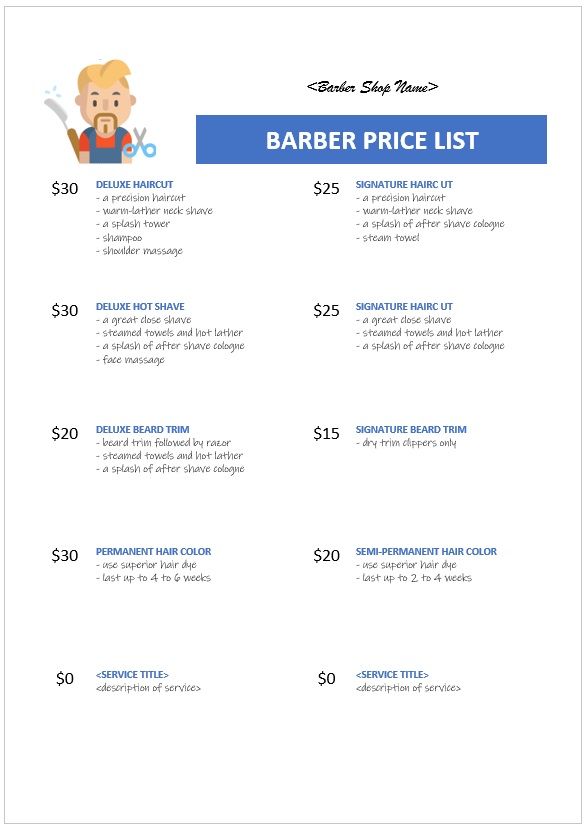
A barber-oriented list with haircut, shave, beard, coloring, and placeholder service entries.
Editing note: Useful as an alternative service-menu structure, not a nail-specific template. Review repeated headings, sample descriptions, and prices before adapting it.
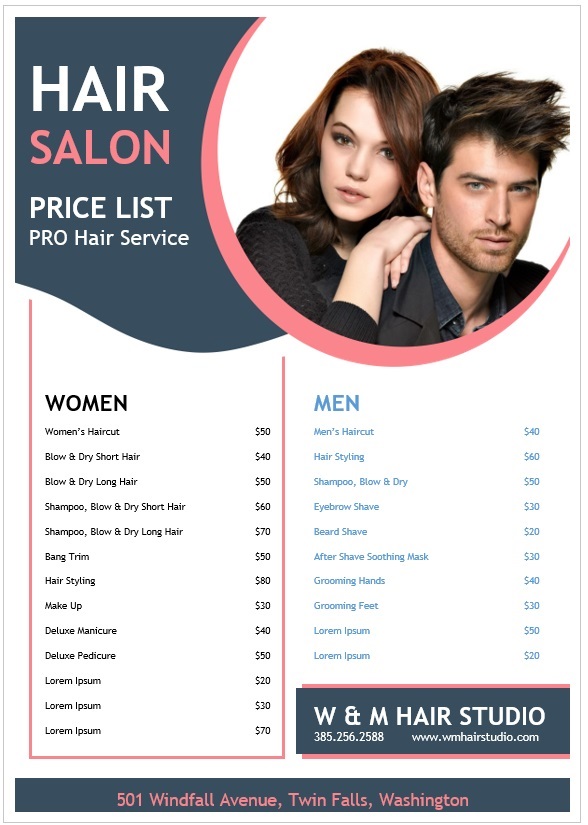
A broader salon menu with hair services and some manicure and pedicure entries.
Editing note: Replace sample business details and Latin placeholders. The file contains repeated text objects, so inspect all visible copies after editing.
The archive contains a file named Price-List-Excel-Template-MS Excel.xls. Inspection found Office drawing fragments rather than a normal Excel workbook.
Editing note: Do not rely on it as an editable spreadsheet. Prefer Template 01 for a verified Excel price sheet or the Word layouts above until this file is replaced.
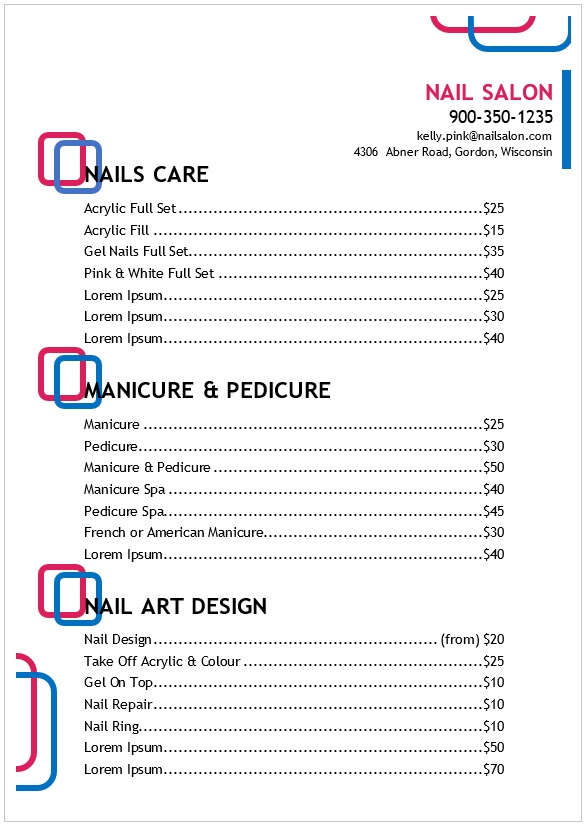
Use Template 01 for a spreadsheet-based service list, Template 02 for grouped nail services, Template 07 for nail care and art categories, or Template 08 for a manicure, pedicure, and repair list. Keep the categories customers need and remove unrelated offerings.
Use specific names and short explanations where needed. Distinguish a new set from a refill, removal alone from removal with a new service, and a single-nail repair from a full-set charge. State whether nail art is priced per nail, per set, or by an individually confirmed quote.
Do not assume two similarly named services include the same products, finish, or work. Keep additional length, design, removal, and other optional charges visible where they apply.
3. Replace sample prices and clarify the basis
Enter your approved prices using one stated currency. If you display a “from” price, explain the starting scope and the factors that affect the final quote. State relevant tax treatment and additional charges accurately for your business.
Keep your costing calculations separately. A customer-facing service list does not calculate labor cost, product use, overhead, or profit. The presence of an Excel file does not mean it automatically sets prices.
4. Add current business and booking details
Replace every sample name, address, phone number, email, and website. Add an effective date or version reference and a clear way to request an appointment.
An appointment slip can provide a separate reminder after a booking is confirmed. The price list itself does not reserve appointments or manage availability.
5. Remove filler and check the full design
Search for placeholder names, $00 entries, Lorem Ipsum, and unrelated text. Template 02’s care section contains astronomy content that needs replacing. Several Word layouts contain repeated text elements, so inspect the complete visible page after making changes.
Keep service names and prices aligned. Use readable type and enough spacing rather than fitting every offering into a crowded page.
Example Nail Service Price Entries
These hypothetical USD entries illustrate clear scope. They are not recommended prices or the original files’ sample values.
Illustrative service descriptions and price bases
Service
Included scope
Price
Standard manicure
Shaping and standard polish; removal not included
$25 per service
Gel-polish removal
Removal only; new application priced separately
$10 per service
Simple nail art
One agreed simple design
$3 per nail
Nail repair
One nail; scope confirmed before work
From $5 per nail
If removal is included in a package, say so instead of leaving customers to add the standalone removal price. List package inclusions and optional extras consistently across printed and online versions.
Printing and Updating the Menu
Review paper size, margins, text wrapping, and page breaks.
Check that the currency and effective date remain readable.
Make a test print before producing multiple copies.
Export a reviewed PDF when sharing a fixed-layout version.
Keep an editable master and retire superseded menus when prices change.
Frequently Asked Questions
How many downloads are listed?
Nine archives are linked. Eight contain conventional editable documents: one .xlsx workbook and seven .docx files. The ninth contains an .xls-named graphics fragment and needs replacement.
Are all the layouts specifically for nail salons?
No. Four focus directly on nail services. The others include hair, barber, and broader beauty-service menus, plus the flagged legacy file.
Do the templates calculate service prices?
They are price-list layouts, not a service-costing system. The verified nail-service Excel sheet contains fixed sample amounts without formulas.
Can I add removal charges and nail-art options?
Yes. State the service scope and whether the price is per nail, per set, or an add-on. Keep optional charges distinct from the base service.
Can I use Google Docs or Google Sheets?
You can try importing the verified Word files into Docs and the .xlsx workbook into Sheets. Check fonts, positioned elements, tables, and print layout after import. Do not treat the flagged .xls file as a normal workbook.
Are PDF versions included?
No separate PDFs were supplied in the inspected archives. Export a finished copy from Word or Excel and inspect it before sharing.


Pingback: 3 Free Hairdressing Price List Templates for Word & Excel