Explore these free APA format templates for Word to compare academic paper layouts, examples, and formatting guides. Download a document, replace the sample material with your own work, and prepare the final paper according to your assignment instructions.
The ten downloads include paper layouts, instructional handouts, and a thesis/dissertation example. Some refer to earlier APA conventions. Use the APA 7 guidance below when that edition is required, and check the instructions from your instructor, institution, or publisher.
Each ZIP contains a Word document. Files 01–03 are .doc; files 04–10 are .docx. Extract the archive and save a working copy before editing. The previews show sample pages; review the full document when selecting your format.
01. APA Format Word Document 01
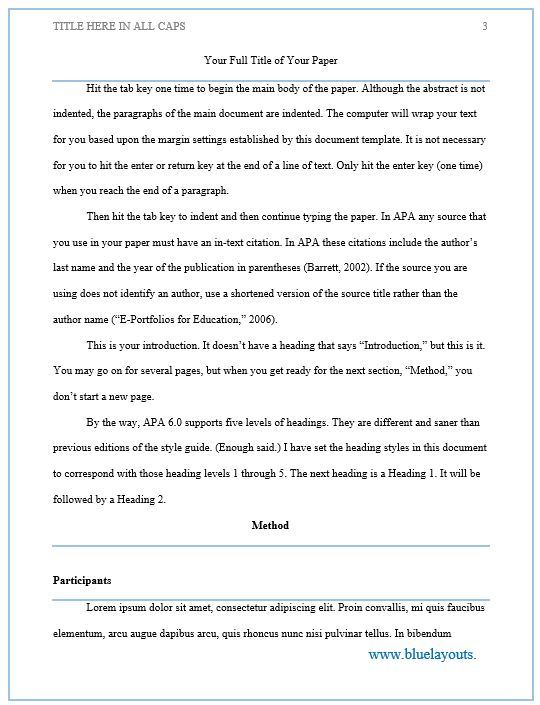
A Word format option for preparing an academic paper. Select the preview to compare the layout and personalize it for your assignment.
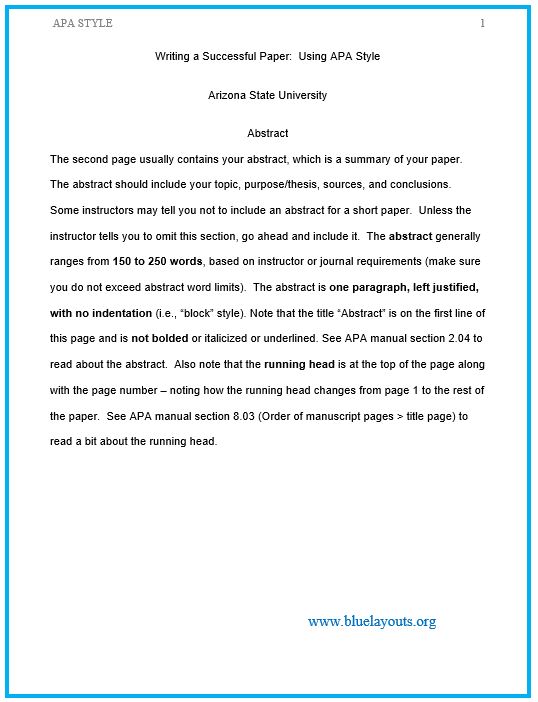
04. Paper Layout with Heading and Abstract Guidance
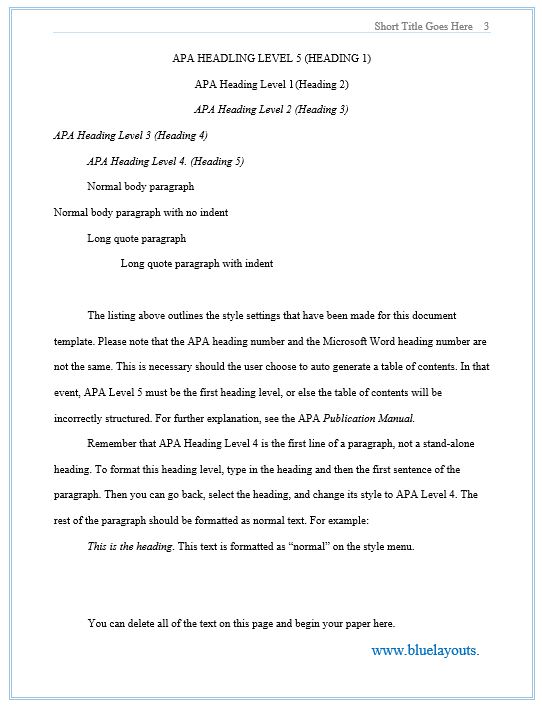
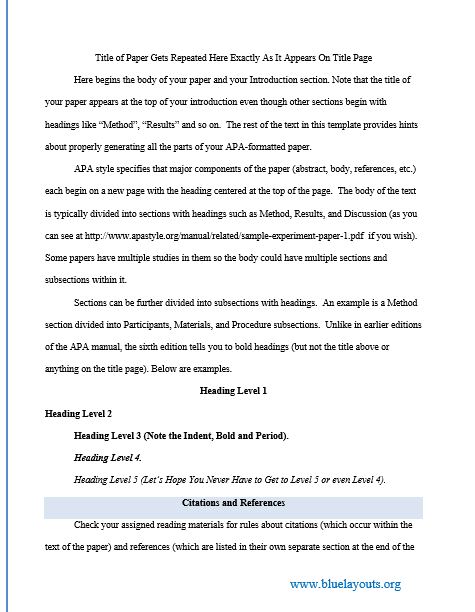
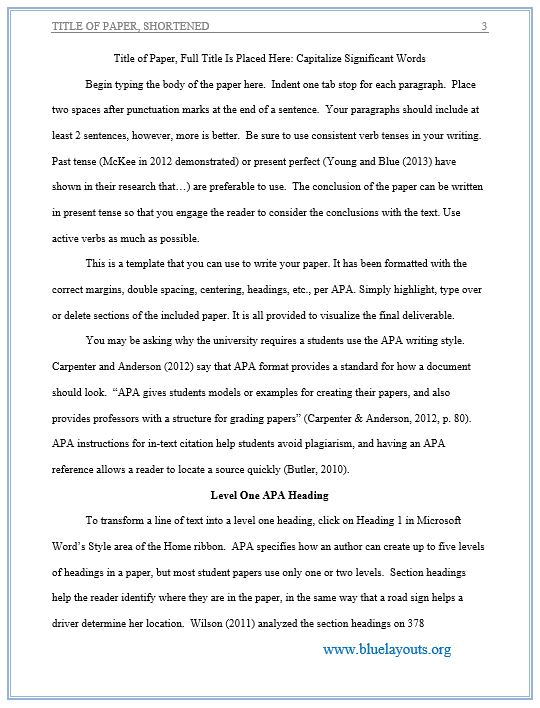
Includes title and affiliation placeholders, an abstract section, heading-style examples, and body-text guidance. Adapt its running-head wording, heading conventions, and abstract instructions to the required paper type and edition.
An instructional example explicitly based on the sixth edition, with title information, abstract, sample text, and formatting discussion. Use its structure for comparison and apply current requirements when preparing an APA 7 assignment.
06. Academic Paper Template with Author Instructions
Includes title and affiliation information, abstract guidance, and instructions embedded within the document. Replace institutional references and remove drafting prompts from the submitted version.
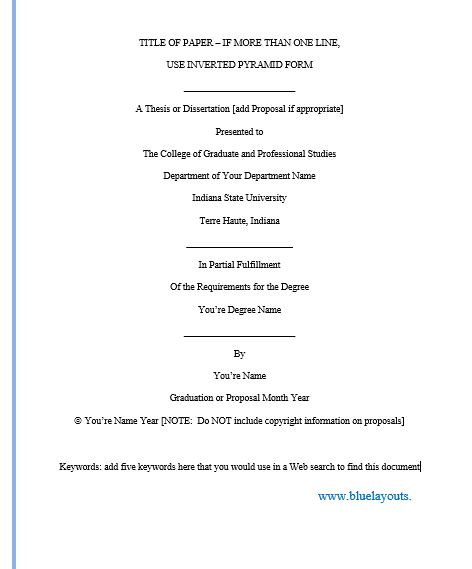
An institution-oriented example with title-page material, committee information, abstract, and thesis/dissertation prompts. Follow your graduate school’s current requirements for front matter and submission.
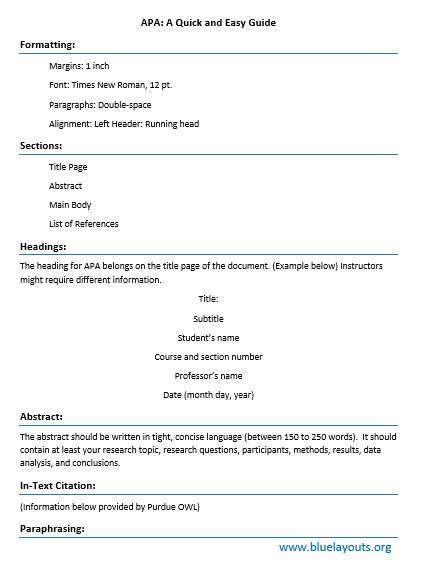
A reference handout discussing paper layout, abstract, and in-text citations. Use it alongside the official guidance for your required edition rather than as the final paper itself.
Illustrates title-page and abstract layout with explanatory notes and running-head examples. Adapt the title-page and header settings for a current student or professional paper.
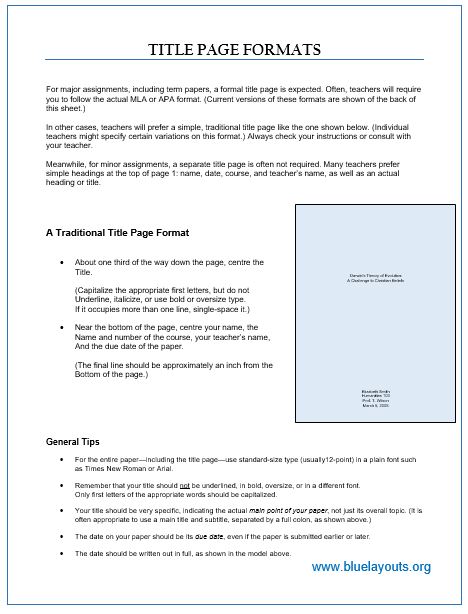
An instructional document with a sample title page and guidance on headers and page numbering. Replace sample names, course details, and dates, and apply the current setup for your paper type.
The official APA Student Paper Setup Guide provides illustrated setup instructions. A concise starting checklist is:
Use 1-inch margins.
Double-space the body text without extra spacing between paragraphs.
Left-align paragraphs and use a 0.5-inch first-line indent for ordinary body paragraphs.
Insert automatic page numbers at the top right, beginning with page 1 on the title page.
For a student paper, omit the running head unless your instructor or institution requests it.
Use Word’s paragraph and page-layout settings rather than adding spaces or repeated blank lines to imitate the layout.
Choose a permitted font
APA permits several readable fonts. Examples include 11-point Calibri, 11-point Arial, 12-point Times New Roman, and 11-point Georgia. Check your assignment instructions and the official APA font guidance before applying a consistent font.
Complete the student title page
Include the paper title, author name, affiliation, course number and name, instructor, assignment due date, and page number. The student and professional title pages differ; use the version requested for your paper. See APA’s title-page guidance.
The following fictional details illustrate the information to prepare, rather than a visual reproduction of the page:
Study Routines and First-Year University Learning Alex Morgan Department of Education, Example University EDU 101: Introduction to Learning Dr. Taylor Reed [Assignment due date]
Choose sections appropriate to the assignment
A student essay, literature review, and empirical research report need different structures. Include an abstract or keywords when the assignment requires them; they are not automatically required for every APA student paper. APA’s official sample papers include student and professional examples and downloadable Word files for comparison.
How to Use a Downloaded APA Template
Read the assignment first. Confirm the required edition, paper type, sections, length, and submission format.
Select the right resource. Use a paper layout for drafting and a handout for reference. Follow institutional requirements for a thesis or dissertation.
Personalize the document. Replace names, affiliations, title, dates, sample prose, and references. Remove instructional comments from the final submission.
Check page settings and styles. Review margins, font, spacing, headers, and paragraph settings. Configure heading styles consistently instead of formatting every heading independently.
Add your sources carefully. Keep source details as you write and match citations to the works you actually consulted.
Review the finished file. Check page numbers, headings, tables, figures, references, and any exported PDF before submitting.
Keep Citations and References Connected
A template supplies structure, while you supply the evidence and source information. Check authors, dates, titles, publication details, and links against the original work. Use the appropriate reference example for the source type rather than applying one pattern to every source. Consult the official APA reference guidance.
Keep quotation text distinct from your own notes and retain the relevant page or other location information while researching. Replace demonstration references with the sources supporting your paper; a sample citation is not evidence for your argument.
A reading log can help organize reading sessions and responses. Add a separate source-details record if needed, because a reading log alone is not a complete citation database.
Plan Drafting and Formatting Separately
Reserve time for reading, outlining, drafting, checking sources, and reviewing the final layout. A study planner can help place those tasks around classes and deadlines.
Confirm the required citation style before starting. If the assignment asks for MLA, compare the MLA format resources and follow the corresponding official guidance. Changing a heading or title page alone does not convert one style into another.
APA Format Template FAQs
Are all ten downloads APA 7 student paper templates?
The collection includes layouts and guides with different purposes and edition references. Choose the resource that fits your task and apply the APA 7 setup guidance when that edition is required.
Do I have to use 12-point Times New Roman?
It is one permitted option. APA allows other readable fonts too; follow any font requirement specified for your assignment.
Do student papers need a running head?
Generally, APA 7 student papers use page numbers without a running head, unless the instructor or institution requests one.
Does every paper need an abstract?
Check the assignment or publication requirements. An abstract is not a universal requirement for APA student papers.
Can I open the files in another word processor?
Use an application that supports the Word file format and inspect the result. Headers, page breaks, and styles may need adjustment after conversion.
Can I submit the template without checking it?
Personalize the content and review the completed paper against the required style and assignment instructions. A downloaded layout does not check your sources, argument, or final formatting.