Download 10 free modern bookmark templates for Word and choose a design for personal reading, a classroom activity, or a small gift. The printable collection includes floral bookmarks, reading slogans, colorful strips, lined notes, and school-themed designs.
Each preview shows the designs arranged on a sheet. Choose a style, open the Word document, add a name or short message where appropriate, and print a test copy before making a full set.
Format: Word documents supplied in separate ZIP archives. Downloads 01–08 and 10 contain DOCX files; download 09 contains a DOC file. Extract your selected document and save a working copy before making changes.
The Word files provide printable design layouts. Add text using the available document elements or a text box as needed; decorative wording and illustrations may be part of the artwork rather than separate editable text.
01. Blue Floral Tree Bookmarks
Three matching vertical bookmarks feature a tree-shaped floral pattern in muted blue tones. Choose this design for a coordinated set with a calm color palette. Keep added text short and place it where it does not compete with the pattern.
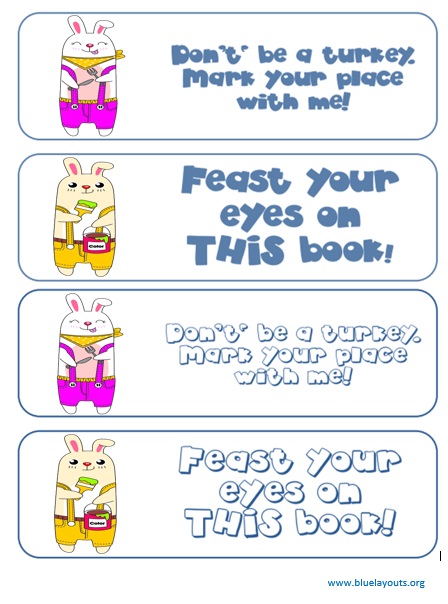
Four horizontal bookmarks pair cartoon rabbits with playful reading messages. The sheet includes filled and outlined lettering treatments. This design can suit a classroom reading activity or a cheerful bookmark to tuck inside a book.
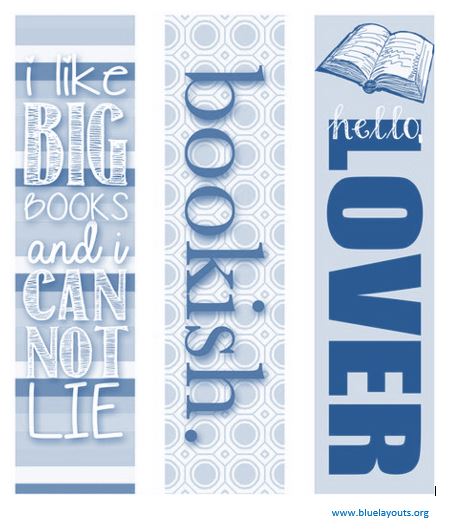
Three blue-toned vertical designs combine oversized lettering, a book pattern, and an open-book illustration. Choose this sheet for bold reading-themed bookmarks with different designs on the same page.
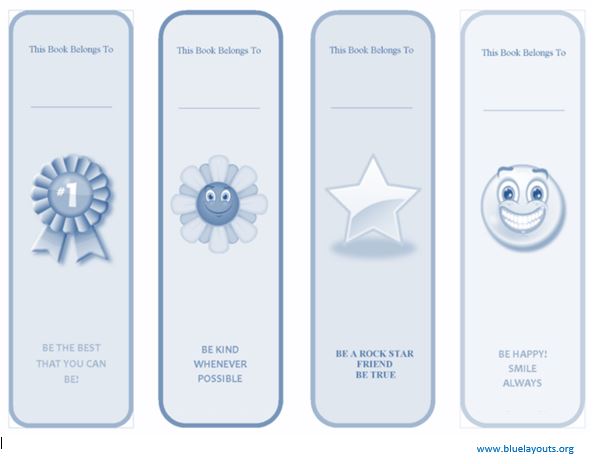
Four pale-blue bookmarks include name lines, encouraging messages, and icons such as a ribbon, flower, star, and smiling face. The top wording reads “This Book Belongs To”; add a name where useful or adapt the label for your classroom activity.
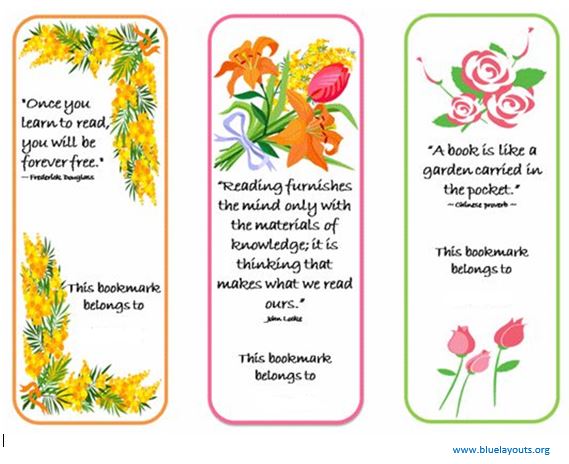
Three rounded-border designs feature yellow flowers, colorful blooms with a bird, and roses. Each includes reading-related wording and a space identifying the owner. Preview the text and choose the style that suits the reader or gift.
Six narrow bookmarks use bright solid backgrounds, “Read More” lettering, and a small open-book icon. The color variations make this a useful sheet for a classroom set or a choice of colors for individual readers.
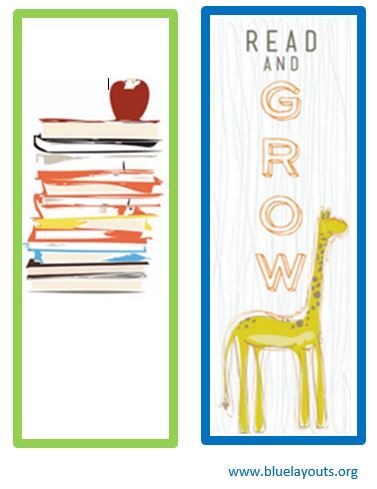
Two larger designs appear together: a stack of books topped by an apple, and a giraffe illustration with “Read and Grow” wording. Choose this sheet for a school-themed activity or an encouraging reading gift.
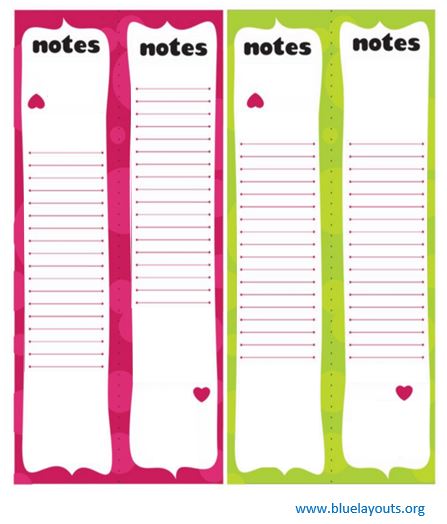
Four pink and green designs include “notes” headings, hearts, and ruled writing areas. Use the lined space for a page reference, a brief question, or a reminder you want to keep with the book.
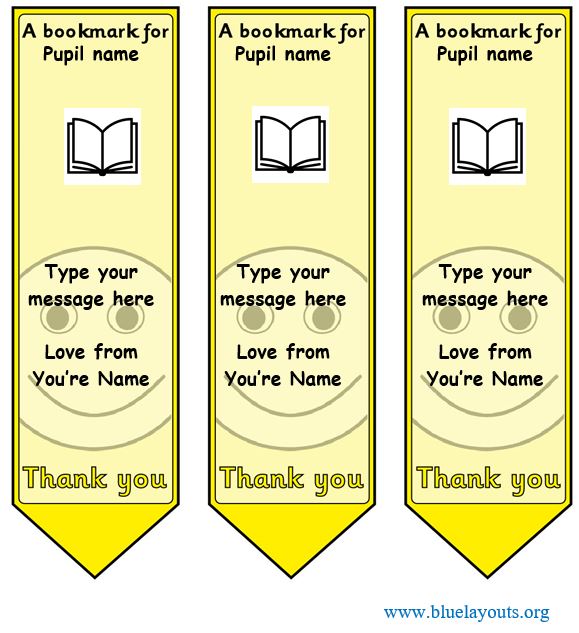
Three yellow, pointed bookmarks include a pupil-name area, an open-book icon, a message area, sender wording, and “Thank you” at the bottom. Add your own personal message using the document’s available elements or a text box, and review all sample wording before printing.
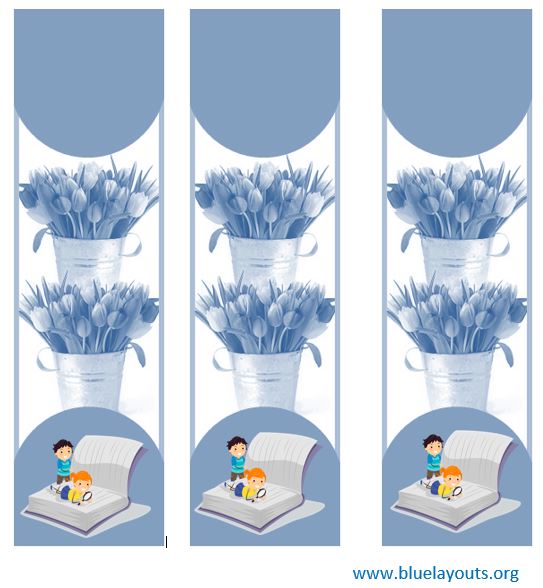
Three matching blue-and-white bookmarks combine tulips in a jug with a small illustration of children reading. Choose this decorative sheet for a coordinated reading set, leaving the artwork clear when adding personal details.
01 for floral trees or 10 for tulips and reading illustrations.
A classroom reading activity
02 for playful slogans, 04 for encouragement, or 07 for school-themed artwork.
Different colors on one sheet
06 with six “Read More” strips.
A place for handwritten reminders
08 with lined notes areas.
A pupil gift with a personal message
09 with a name and message layout.
A decorative reading quote
05 with three floral styles.
A bookmark marks your stopping point. To record books, reading time, or short responses across several sessions, pair it with a printable reading log. Keep the bookmark simple and use the log for the longer record.
How to Customize a Bookmark in Word
Open a working copy. Extract the ZIP, open the enclosed document, and save it under a new name so the original design stays available.
Check the full sheet. Review the number and arrangement of bookmarks, the page size, and any existing text before changing the layout.
Add personal text where it fits. Use an existing text field if available. Otherwise insert a text box, remove its fill and outline if appropriate, and position it over an open area without covering important artwork.
Keep the message readable. A name, short reading reminder, or brief dedication is usually enough. Choose a font that stays clear at the finished print size.
Preserve the design’s proportions. If resizing artwork, keep its width and height proportional. Check the final bookmark dimensions rather than stretching the design to fill the page.
Review the output. Use Print Preview and make one test print. Check text placement and cutting space before printing additional copies.
If existing wording is embedded in an image, typing in Word will not directly replace those letters. Choose a design with suitable wording or add a separate message in a clear area. Keep the bookmark’s useful reading space and overall appearance in mind.
Short Messages to Add to a Bookmark
Use your own wording to make a bookmark personal. These original examples can be adapted for a name label, gift, or classroom activity:
Personal: “Alex’s next chapter starts here.”
Reading reminder: “A little reading, one day at a time.”
Book club: “[Club Name] — our next chapter together.”
Gift: “For [Name], with a book and a little encouragement.”
Keep a longer note on a separate card. For assigned reading, a study planner can hold the schedule and deadlines while the bookmark marks the current page.
Printing, Cutting, and Finishing Your Bookmarks
Choose paper your printer supports
Cardstock can give a bookmark more body than ordinary paper, but check your printer’s supported paper type and weight before loading it. A plain-paper test is useful for checking size and alignment before using your preferred stock.
Confirm the print scale
Use the intended paper size and review any “Fit to page” or scaling setting. Print at actual size when you want to preserve the document’s dimensions, provided the artwork fits your printer’s printable area. If anything is clipped, adjust the layout or scale and test again.
Cut to the design’s outline
Let the ink dry before handling. Use the bookmark edges as a guide and cut carefully with scissors or a suitable paper cutter. Rounded and pointed designs need different cuts from straight strips; check which edge belongs to each bookmark before trimming.
Add a finish if desired
You can laminate a finished bookmark for extra protection, leaving a sealed border when trimming the laminate. A ribbon or tassel is an optional craft addition: leave enough space for a hole and keep bulky decoration outside the closed book.
Ideas for Classroom and Reading Gifts
Offer students a choice of designs, add names to a class set, or use the lined design for a question to discuss at the next reading session. A personal message can make a small bookmark feel thoughtful without needing a complicated layout.
For a completed reading project or another specific achievement, pair the bookmark with a student award certificate. State the achievement clearly on the certificate and keep the bookmark as a practical keepsake.
Frequently Asked Questions
What formats are included in these downloads?
The 10 ZIP archives contain Word documents: nine DOCX files and one DOC file. Download 09 is the DOC version. Extract the document before opening it.
Can I edit all the text and artwork?
The documents can be opened and customized in Word, but some decorative wording and illustrations may be part of an image. Add a name or message using a suitable text box where necessary rather than assuming every element is a separate text field.
Are these bookmarks ready to print?
The documents provide printable layouts. Review the page setup, printer margins, scale, and any personal text, then make a test print before producing several copies.
Is a PDF included?
The listed archives contain Word documents. You can export a PDF from Word after checking the finished layout and print that version if preferred.
Can I print on both sides?
A matching reverse side is not established by a front preview. If you want a two-sided bookmark, prepare and align the reverse layout, then test your printer’s paper feed and duplex orientation on plain paper before using cardstock.
What size are the bookmarks?
The designs and page arrangements vary. Check the dimensions in your chosen Word document and on a test print. Select a size that fits the books you intend to use it with.
Which design includes a notes area?
Template 08 has pink and green bookmarks with lined writing space. It is a useful option for short reminders or a handwritten page reference.