Make a birthday greeting more personal with these free printable birthday card templates for Word. Choose a cupcake, balloon, cake, floral or photo design, then add a name and a message that suits the person celebrating.
The seven ZIP downloads contain Word (.docx) documents set up on A4 portrait pages. Templates 01–06 include editable greeting text; Template 07 uses an image-based photo layout with no regular editable body text. Check the notes beside each design before choosing.
Browse the designs | Find a birthday message | Editing and printing tips
Free Printable Birthday Card Templates
Download and extract a ZIP file, then open its .docx document in Microsoft Word. The previews show the original artwork and sample wording. These are full-page greeting layouts; a folded card or a different finished size requires additional layout work.
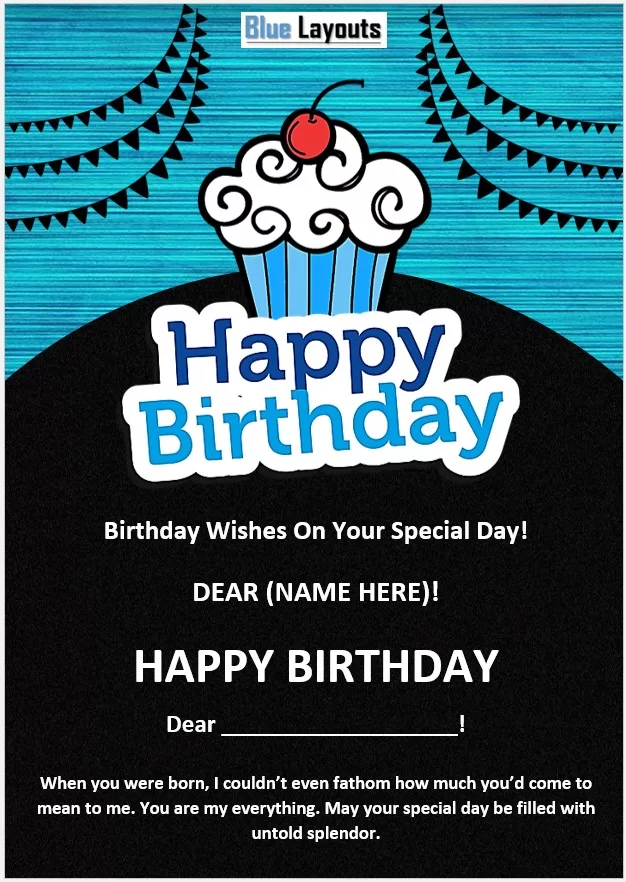
01. Blue Cupcake Birthday Card
A bright blue background, decorative birthday lettering and a cupcake illustration sit above a dark message panel.
Customization note: Replace the recipient placeholder and check the sample first-birthday wording before using it for another age.
File: Word (.docx), inside a ZIP file. A4 portrait page setup.

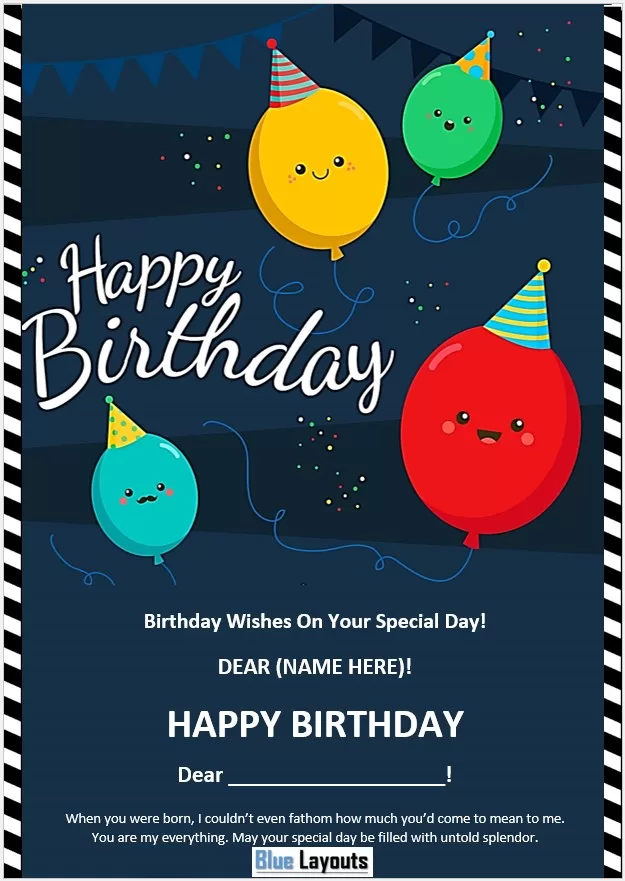
02. Smiling Balloon Birthday Card
Colorful balloons wearing party hats stand out against a dark blue background with a striped border.
Customization note: The sample message is written from someone close to the recipient. Rewrite it for your own relationship and remove any repeated greeting you do not need.
File: Word (.docx), inside a ZIP file. A4 portrait page setup.
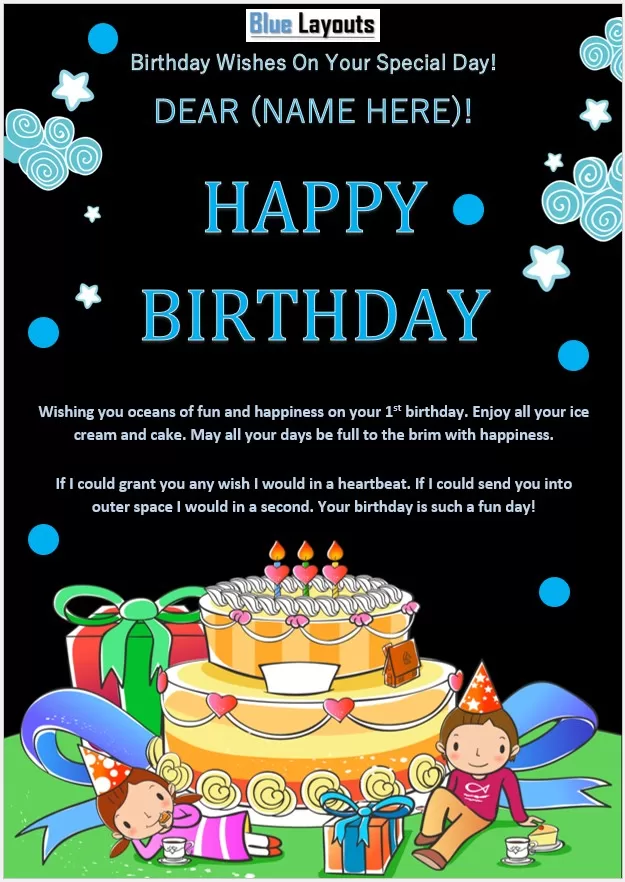
03. Birthday Cake and Gifts Card
A colorful cake, presents and party characters decorate the bottom of a black and blue greeting layout.
Customization note: The editable message mentions a first birthday. Update the age or remove it, then add a short personal wish.
File: Word (.docx), inside a ZIP file. A4 portrait page setup.
04. Cupcake and Bunting Birthday Card
A turquoise background, black bunting and a large cupcake create a playful design above the greeting area.
Customization note: Replace the name and the sample personal message. Keep the wording short enough to fit comfortably in the dark lower panel.
File: Word (.docx), inside a ZIP file. A4 portrait page setup.
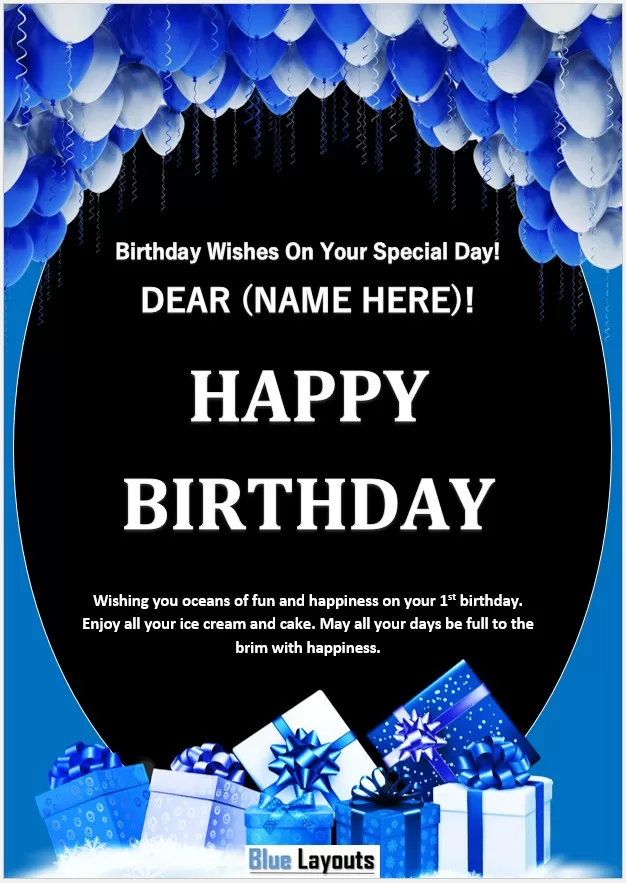
05. Blue Balloon and Gift Birthday Card
Blue and white balloons frame the top, with matching gift boxes along the bottom and a prominent central greeting.
Customization note: Change the first-birthday reference if needed and add your own message without crowding the artwork.
File: Word (.docx), inside a ZIP file. A4 portrait page setup.
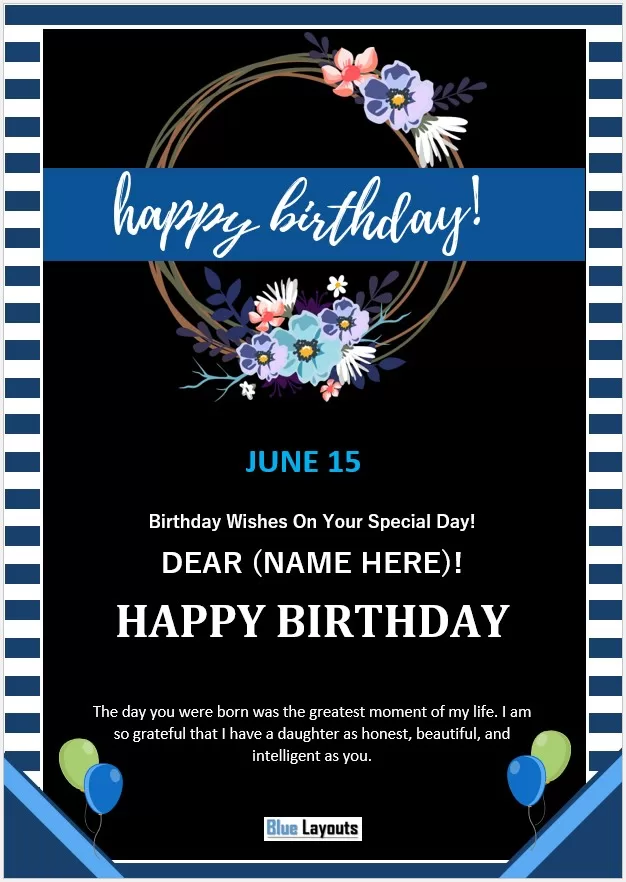
06. Floral Wreath Birthday Card
A floral wreath, blue title ribbon and striped border create a softer design, with space below for a personal message.
Customization note: Update the sample June 15 date. The original message refers to a daughter; replace it when the card is for someone else.
File: Word (.docx), inside a ZIP file. A4 portrait page setup.
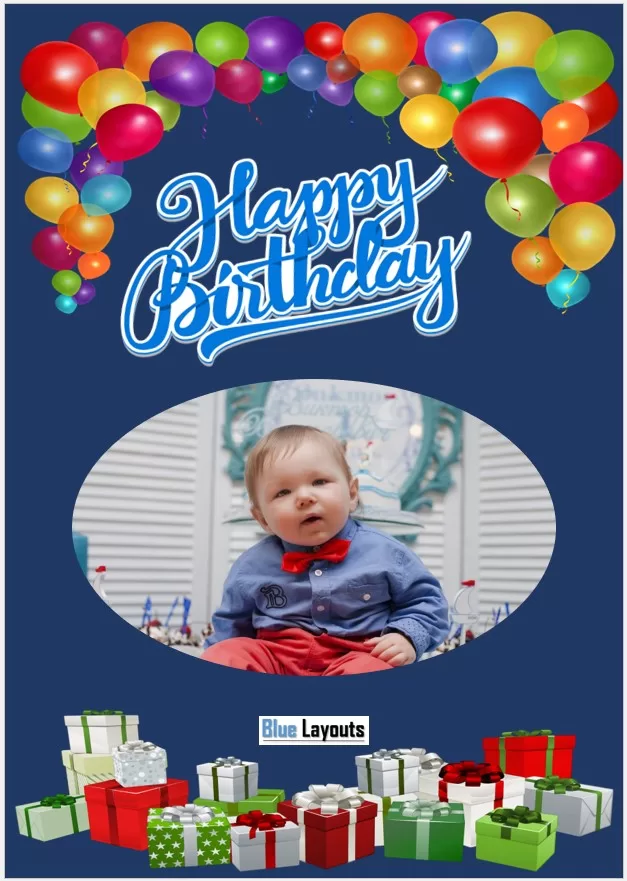
07. Photo Birthday Card with Colorful Balloons
Multicolored balloons, gift boxes and an oval photo area sit on a dark blue background.
Customization note: This Word file uses image objects rather than regular editable body text. Replacing the sample photo may require selecting the image through Word’s Selection Pane. Add a text box if you want a personal message; do not expect the decorative lettering to edit like typed text.
File: Word (.docx), inside a ZIP file. A4 portrait page setup.
Choose a Birthday Card That Suits the Recipient
For a playful greeting, compare the smiling balloons in Template 02 with the cake and party illustrations in Template 03. Template 05 offers a coordinated blue balloon and gift theme, while Template 06 has a floral design. Template 07 is worth considering when a photograph is central to the greeting, provided you are comfortable working with image objects.
The artwork does not have to determine the recipient’s age or relationship to you. Replace age-specific and family-specific wording so the finished greeting makes sense. A simple name, warm wish and handwritten signature can be enough.
Birthday Card Message Ideas
Use one of these short examples as a starting point, then add a detail that makes it personal.
For a Friend
Happy birthday, [Name]! Thank you for the laughs, the thoughtful advice and all the memories we share. Wishing you a year full of good surprises and more time for the things you love.
For a Child
Happy [Age] birthday, [Name]! May your day be full of cake, games and your favorite people. We cannot wait to see what you discover and enjoy in the year ahead.
For a Parent
Happy birthday, [Mom/Dad]! Thank you for your care, encouragement and the many little things you do. I hope today brings you the same warmth and happiness you give to others.
For a Colleague
Happy birthday, [Name]! Wishing you a wonderful day and a happy year ahead. It is a pleasure working with you, and we hope you enjoy celebrating.
A Short Birthday Wish
Happy birthday, [Name]! Wishing you good health, happy moments and plenty to look forward to this year.
For a handmade finishing touch, use a heart shape template to create a separate gift tag or paper embellishment.
How to Customize and Print Your Birthday Card
- Extract the download. Save a working copy of the Word document before editing.
- Update the personal details. In Templates 01–06, replace the name placeholder, sample age, date and message where present. Check all visible text, including text inside shapes or text boxes.
- Keep the message readable. Shorten long sentences before reducing the font size. Make sure the text contrasts clearly with the background.
- Check image placement. Use Word’s Selection Pane if an image is difficult to select. Where Change Picture is available, review the crop and positioning after replacing a photo.
- Review the page setup. The files use A4 portrait pages. Match the printer settings to your paper, and check whether any artwork falls outside the printable area.
- Print one test copy. Check the spelling, color, margins and text size before using your final paper.
- Add your signature. Leave room for a handwritten note where possible, or add your name before exporting the finished document to PDF.
Can I Print a Smaller or Folded Card?
Reducing print scale can make the design smaller, but it also reduces the text size. It does not automatically create a 5 × 7-inch card or arrange front, back and inside panels. For a folded version, place the design into a correctly sized panel layout and test it on plain paper first.
These designs use large areas of dark color, which can require substantial ink. Choose paper or cardstock supported by your printer and check its thickness limits. If your printer cannot print borderless, allow for a white edge or adjust the artwork to fit within its printable margins.
Birthday Greeting or Party Invitation?
A birthday card sends a personal wish. An invitation needs practical details such as the event date, time, location and RSVP contact. If you are arranging a summer birthday gathering, the pool party invitation template provides a separate starting point for inviting guests.
For a larger celebration, an event budget template can help you plan spending on food, decorations, invitations and printing.
Frequently Asked Questions
Are these birthday card templates editable in Word?
All seven downloads contain .docx files. Templates 01–06 include editable text. Template 07 is image-based and has no regular editable body text, so photo replacement and added wording require different editing steps.
Do the downloads include PDF files?
The verified downloads contain Word documents. You can export a PDF after customizing and checking your chosen design.
Are the cards already arranged for folding?
No fold-ready panel arrangement is established by these full-page portrait designs. If you want a folded card, create and test the panel layout before printing the final copy.
Can I change the age or birthday message?
Yes, in the editable text areas of Templates 01–06. Several samples mention a first birthday, and Template 06 includes a date and a daughter-specific message. Update those details to suit your recipient.
Can I send a birthday card digitally?
Yes. Export your finished document to PDF and check it before sharing. Review the file on the device you expect the recipient to use so the message remains readable.


