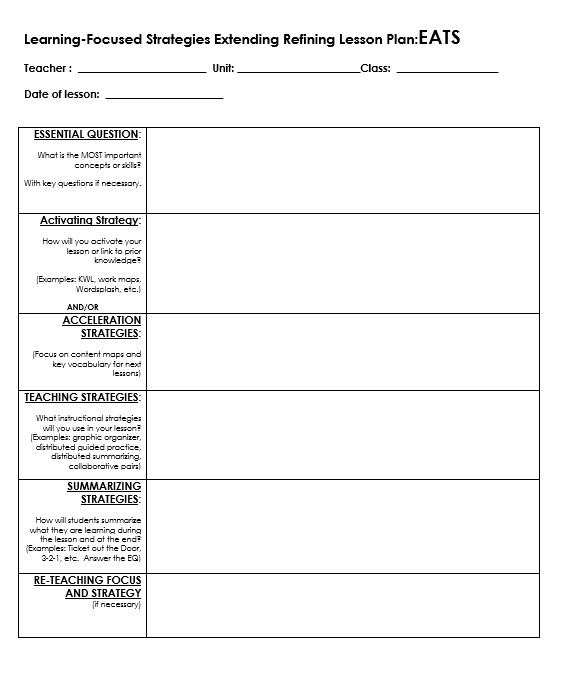
Prepare your next teaching session with these free lesson plan templates for Word. Organize learning objectives, activities, resources, and assessment in a format you can edit for your subject and class.
Compare 12 downloads, including blank outlines, elementary and secondary layouts, an ESOL plan, and a differentiated lesson framework. Choose a structure that fits the detail you need, then personalize the objectives and sequence for your learners.
All 12 downloads contain Microsoft Word .docx documents. Template 01 is supplied in a ZIP archive; the other links download the document directly. Save a working copy before editing and keep a blank master for future lessons.
01. Simple Lesson Plan — Blue Theme
A compact design with school, teacher, class, and topic details, plus objectives and goals, activities, assessment, and notes.
How to use it: A straightforward starting point when you want a short teaching outline. Personalize the section labels and add timings or resources where needed.
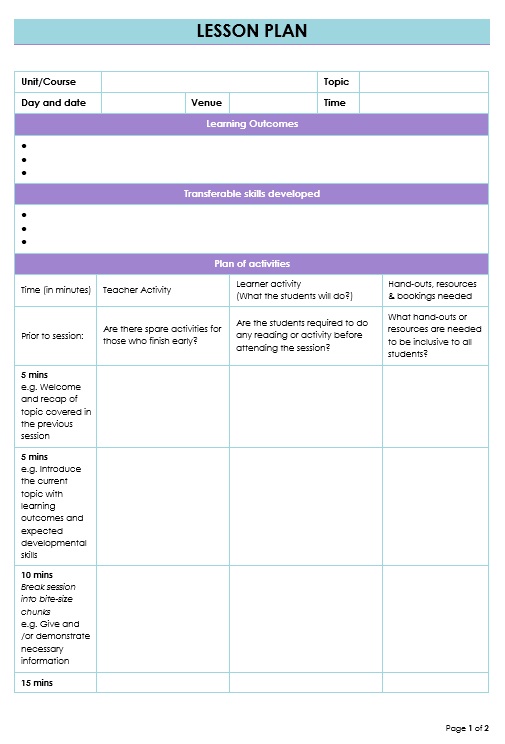
02. Timed Lesson Plan for a Unit or Course
Includes learning outcomes, transferable skills, teacher and learner activities, resources, preparation, and reflection. Its illustrative sequence totals 50 minutes.
How to use it: Useful for keeping the main elements together on a concise page. Add the class, date, topic, and assessment details your school requires.
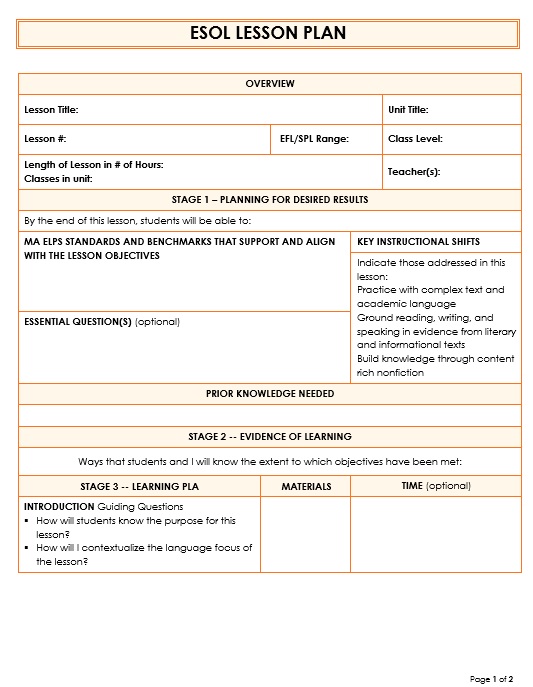
04. ESOL Lesson Plan Template
Organizes desired results, evidence of learning, introduction, main teaching activities, closing, and teacher reflection. It includes language-learning and scaffolding prompts.
How to use it: Adapt the MA ELPS standards and EFL/SPL labels to the framework used by your program. Connect language aims with the lesson’s communication tasks.
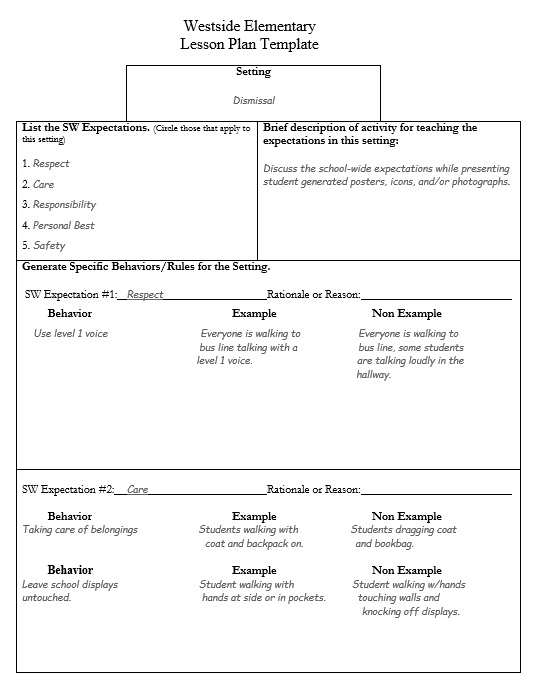
05. Elementary Expectations Lesson — Dismissal Example
A school-specific example for teaching expectations during dismissal, with behavior examples and non-examples linked to respect, care, responsibility, personal best, and safety.
How to use it: Use the structure for teaching a routine. Replace the Westside Elementary references and example procedures with your school’s agreed approach.
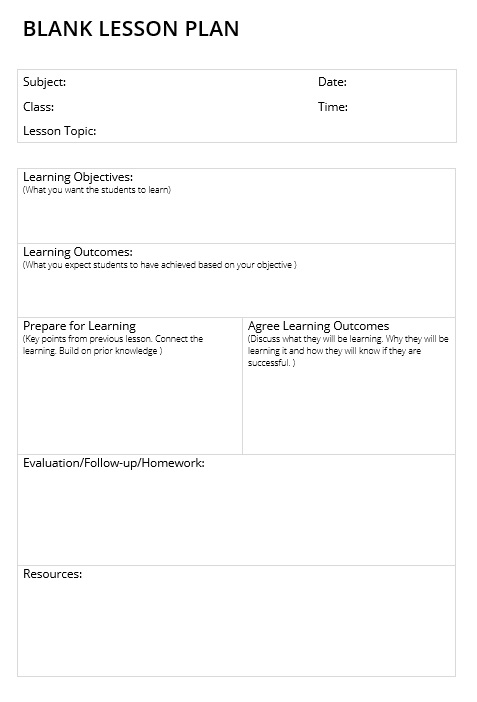
06. Blank Lesson Plan with Learning Outcomes
Includes subject, date, class, time, topic, learning objectives, expected outcomes, prior-learning prompts, evaluation, follow-up, homework, and resources.
How to use it: A flexible general starting point. Expand the teaching sequence to show the actual activities and how learning will be checked.
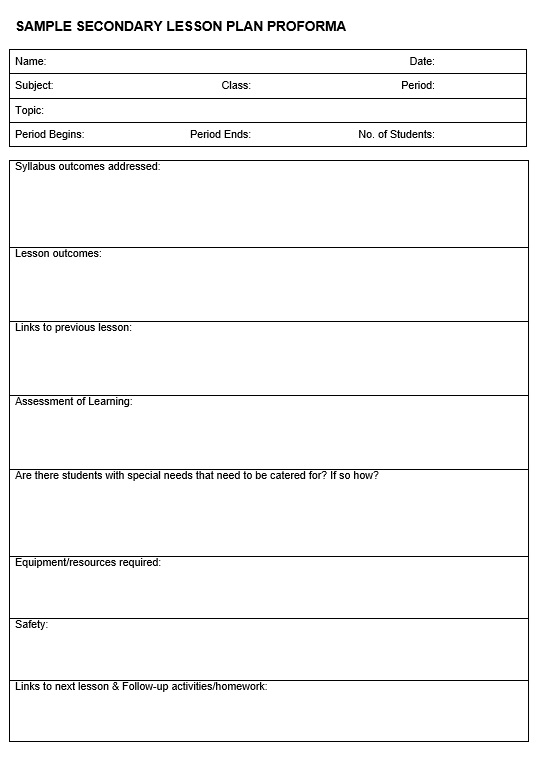
07. Detailed Secondary Lesson Proforma
Includes syllabus and lesson outcomes, links to previous and next lessons, assessment, learner support, resources, safety, timed teacher/student activities, and evaluation.
How to use it: Useful when you need a detailed sequence and post-lesson review. Adapt the evaluation statements to the aspects of teaching you want to examine.
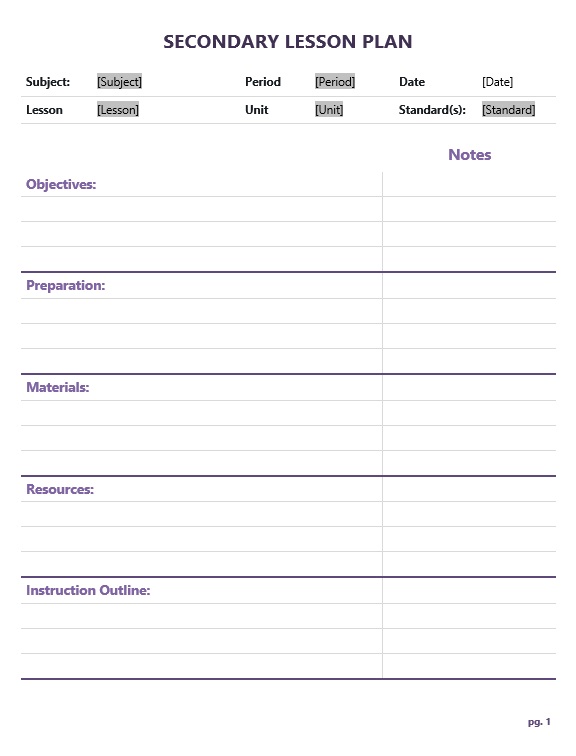
08. Secondary Lesson Plan Outline
Provides subject, period, date, lesson, unit, standards, objectives, preparation, materials, resources, instruction, activities, and evaluation sections.
How to use it: Choose this for a subject-based overview and expand the instruction section with timings or prompts where useful.
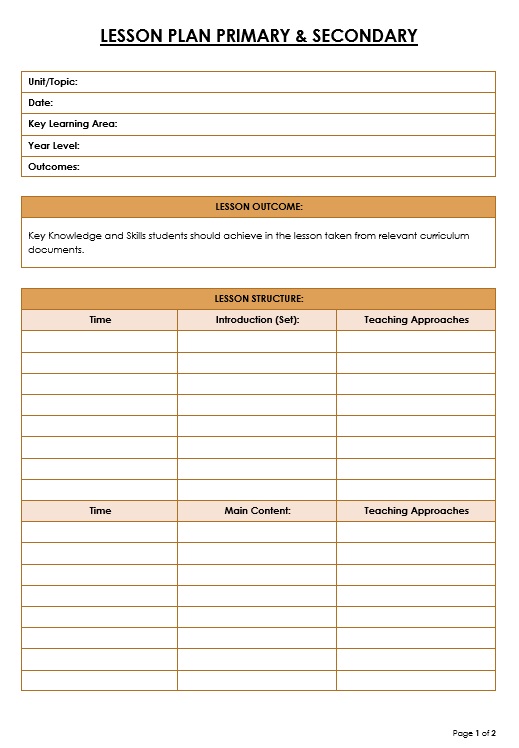
09. Primary and Secondary Lesson Plan with Reflection
Connects curriculum outcomes with an introduction, main content, conclusion, timings, teaching approaches, resources, safety considerations, assessment, and reflection.
How to use it: Use relevant curriculum references and explain the teaching approaches you intend to use rather than retaining unfamiliar abbreviations.
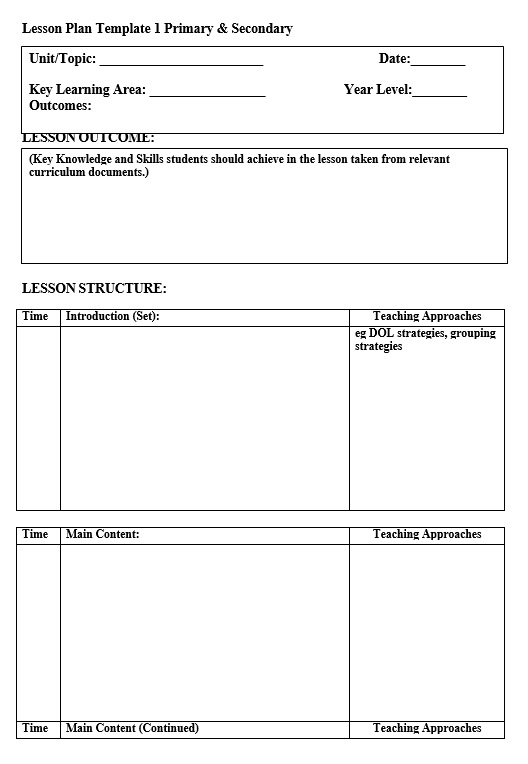
10. Primary and Secondary Lesson Sequence
A streamlined form for unit/topic, date, learning area, year level, outcomes, and timed lesson stages with teaching approaches.
How to use it: Use the framework if it matches your school’s approach. Replace the suggested strategy examples with activities aligned to your objective.
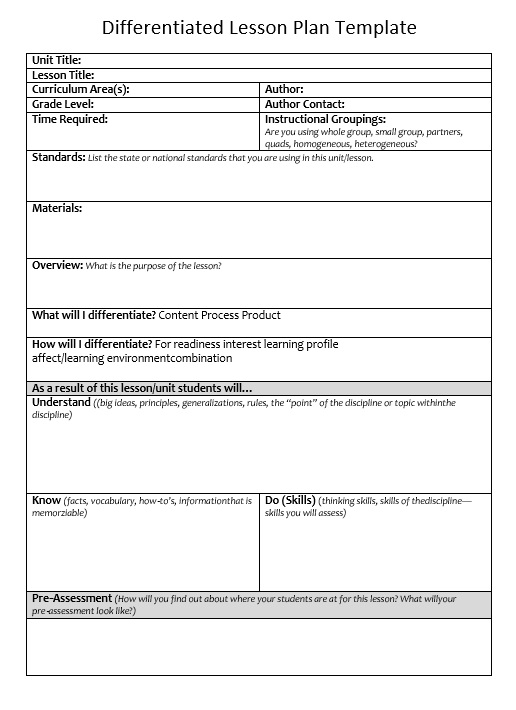
12. Differentiated Lesson Plan Template
Includes instructional groupings, standards, materials, overview, differentiation choices, understand/know/do outcomes, pre-assessment, lesson steps, closure, and post-assessment.
How to use it: Plan support and challenge from evidence about your learners. State how you will use assessment information to plan the next learning experience.
How to Write a Lesson Plan
Identify the learning goal. Describe what learners should be able to do by the end. “Explain the difference between a fact and an opinion using two examples” gives you a clearer target than “Learn about facts.”
Check the starting point. Note relevant prior learning, vocabulary, and likely misconceptions. Use a short opening question or task to check what the group already understands.
Choose evidence of learning. Decide what response, explanation, demonstration, or piece of work will show progress toward the objective.
Plan the teaching sequence. Organize an opening, explanation or model, supported practice, independent application, and a closing check where appropriate. Choose the sequence that fits the subject and learners.
Allocate time and resources. Include instructions, distribution of materials, transitions, questions, and cleanup. Check that the planned activities fit the lesson period.
Plan support and extension. Prepare prompts, accessible materials, vocabulary support, or additional challenge according to learners’ needs. Keep the intended learning visible across the activities.
Reflect after teaching. Record what the evidence showed, where students needed support, and what to revisit next time. Distinguish activities completed from learning demonstrated.
Example: A 40-Minute Lesson Plan
This fictional elementary reading lesson illustrates a sequence you can adapt. It is separate from the sample content in the downloads.
Objective: Given six short statements, students will distinguish fact from opinion and explain one choice using a reason.
Resources: Statement cards, a short model text, board or display, and an exit-slip question. Adapt the reading level and presentation for the group.
Illustrative lesson sequence
Stage
Time
Teaching and learning activity
Evidence to check
Opening
5 minutes
Compare two statements and discuss how they differ
Initial explanations and vocabulary
Model
8 minutes
Demonstrate checking a statement and explaining a decision
Responses to focused questions
Supported practice
10 minutes
Pairs sort statement cards and explain their choices
Reasoning, disagreements, and misconceptions
Independent task
12 minutes
Students classify six statements and justify one choice
Individual responses against the objective
Closing check
5 minutes
Complete an exit slip and identify what needs another example
A response to use in planning the next lesson
The stages total 40 minutes. During practice, offer an explanation frame such as “I think this is a fact/opinion because…” where helpful. For extension, ask students to rewrite an opinion as a checkable factual statement. Adjust the plan if the opening task reveals a different starting point.
Connect Objectives, Activities, and Assessment
Choose activities that let students practise the stated skill and an assessment that lets them demonstrate it. If the objective requires an explanation, a task that only asks students to copy a definition will provide limited evidence of that objective.
For a performance task or project, adapt a grading rubric sample to the learning goal. Describe the criteria in language learners can use before starting the work.
Daily Lesson Plan, Unit Plan, and Course Schedule
A daily lesson plan develops one teaching session. A unit plan connects a series of lessons around related learning goals. A course schedule places topics and deadlines across the wider teaching period.
Use a course syllabus schedule to organize the broader sequence, then develop the selected lesson in the level of detail needed to teach it. Keep actual class dates and assignment deadlines consistent between documents.
Classroom routines support delivery but need their own clear instructions. A classroom management plan can hold routines for materials, group work, help requests, and transitions, leaving the lesson page focused on the learning sequence.
Adapt the Plan to Your Learners
Consider the learners’ prior knowledge, language needs, access requirements, and available resources. Shorter instructions, a worked example, alternative ways to respond, or a vocabulary prompt may make an activity more accessible without changing its central purpose.
Primary and secondary labels are starting points, not fixed rules about teaching style. Choose the level of explanation, pace, challenge, and independence according to the class and subject. An ESOL plan may also need explicit language aims alongside the content objective.
Editing and Printing Tips
Save a blank master and name each completed copy with its class, topic, and date.
Replace sample standards, dates, topics, and institutional labels with the references you actually use.
Keep activity instructions concise and place longer worksheets or resources in attachments.
Check table widths, page breaks, and writing space after adding sections.
Inspect the final Word document and any exported PDF before sharing it with colleagues.
Lesson Plan Template FAQs
Which lesson plan template should I choose?
Choose a layout that gives you enough space for objectives, activities, assessment, and reflection. Use a unit structure for several connected lessons or a more detailed session plan when you need timings and teaching prompts.
Can I adapt a template for another subject or grade?
Yes. Change the objectives, vocabulary, materials, activities, and assessment to match the learners and subject. Check that inherited curriculum references apply before retaining them.
How detailed should a lesson plan be?
Include enough detail to teach the sequence, prepare resources, check learning, and make adjustments. Follow any school or training-program requirements while keeping the plan readable during the lesson.
Can I use a completed example as my own plan?
Use it to study the structure, then rewrite the learning goals and activities for your class. A completed example cannot establish your students’ prior knowledge or the time an activity will take them.
Can I print these templates or save a PDF?
Use print preview in Word or compatible software, then check the exported PDF if you create one. Keep the editable original for future revisions.