Bill for goods clearly with these free product invoice templates for Word. Record the products supplied, quantities, prices, customer details, and payment terms in a layout you can edit and reuse.
Compare six designs below, including itemized invoices, delivery-address layouts, and a simpler description-and-amount format. Each download is a ZIP archive containing one Word .docx document. Extract the file and save a working copy before adding your business information.
Separate delivery information and shipping charges
Invoice 05 or 06
Download Free Product Invoice Templates for Word
The numbering below identifies the six designs on this page. Two source archives use the filename “Product Invoice Template 04.docx”; save each chosen design in a separate folder or rename your working copies to distinguish them.
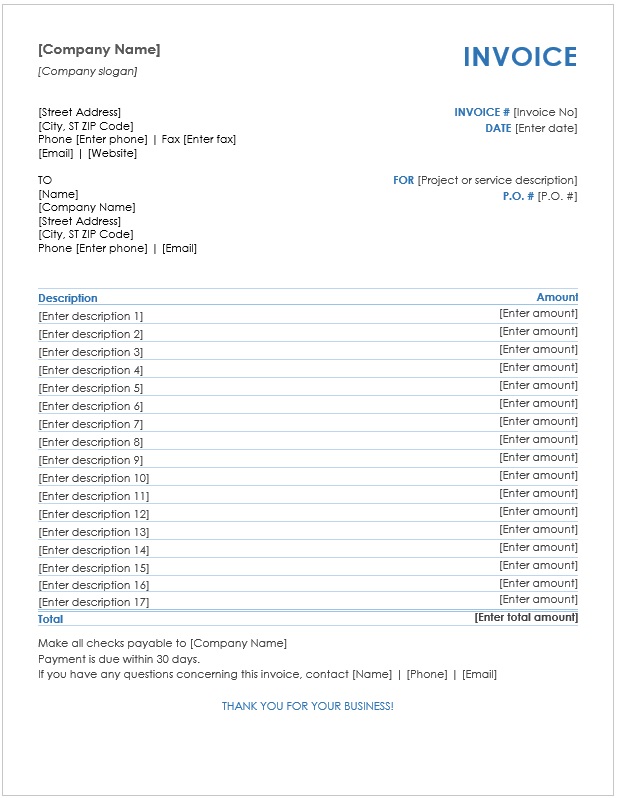
01. Product Invoice with Payment Instructions
A product invoice layout with supplier details, Bill To information, invoice number and date, quantity, description, unit price, amount, subtotal, a sample VAT line, and payment instructions.
Customization: Replace the sample company, old date, account details, and payment terms. Enter your own items and calculate the amounts from the agreed quantity and unit price. The printed 10% VAT is example content, not a prescribed rate.
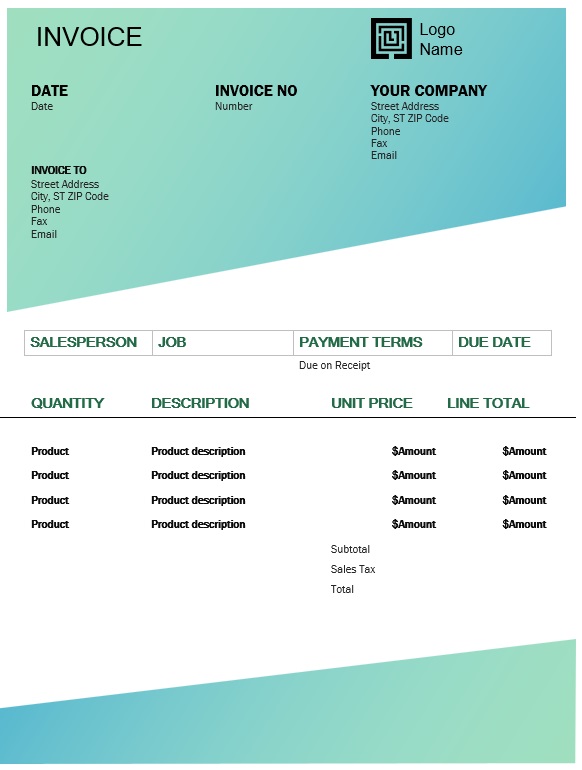
02. Product Invoice with Salesperson and Due Date
Includes invoice and customer details, salesperson, job, payment terms, due date, and quantity-based item lines. The summary provides subtotal, sales tax, and total areas.
Customization: Useful for summarized charges. Add quantity and unit-price columns if the customer needs an itemized product calculation. Personalize the sample 30-day terms and check-payment wording.
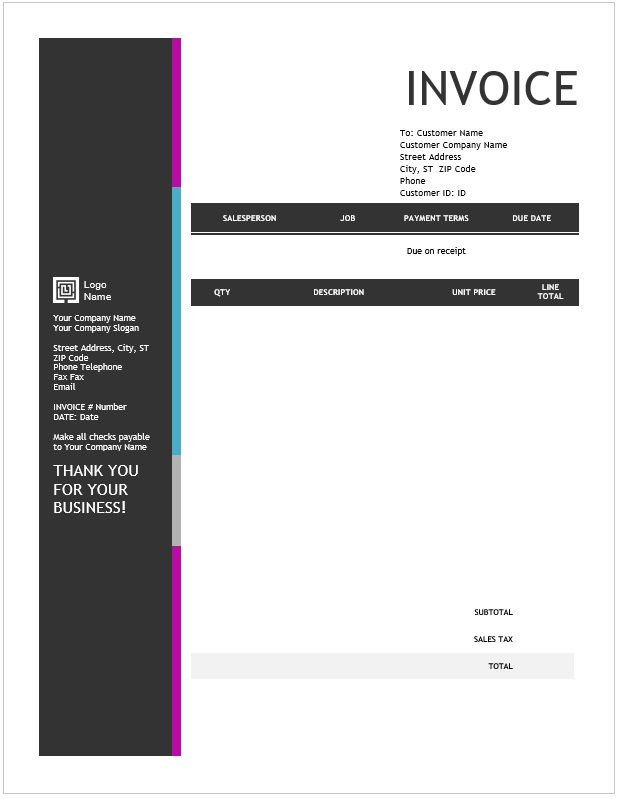
04. Product Invoice with Customer ID
A quantity-based invoice with customer ID, salesperson, job, payment terms, due date, unit prices, line totals, and a summary.
Customization: Use a customer reference that matches your records. Replace the sample company and payment wording and confirm the due date before issuing.
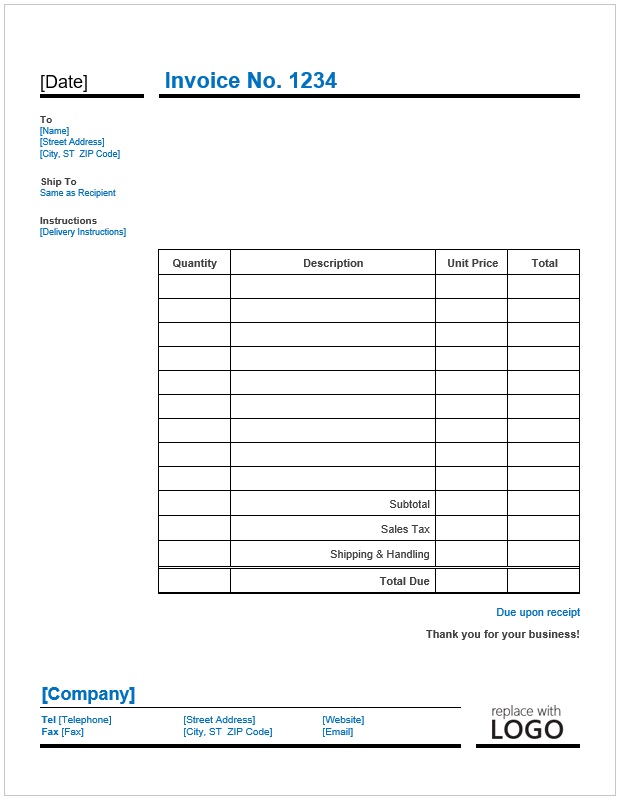
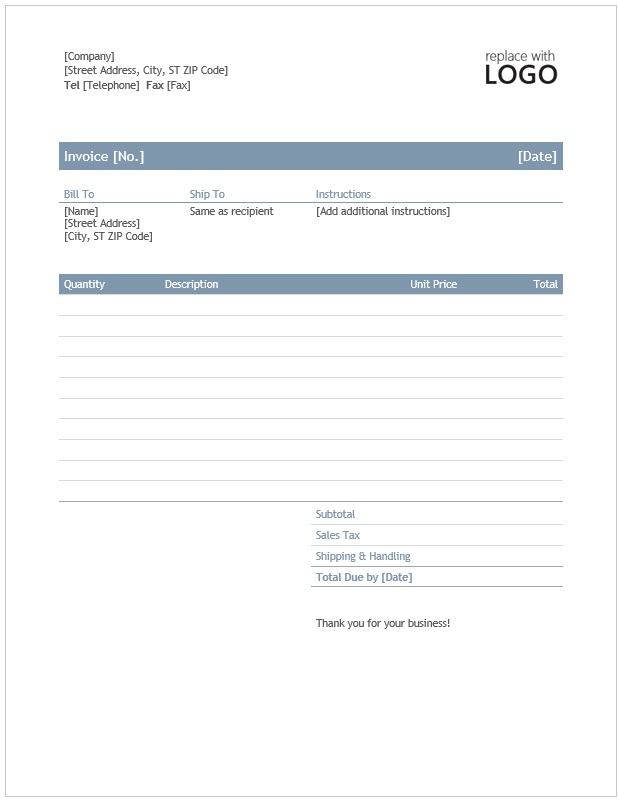
05. Product Invoice with Ship-To Details
Combines recipient and delivery information, delivery instructions, quantity-based item lines, sales tax, shipping and handling, and total due.
Customization: A useful starting point when billing and delivery details differ. Enter the actual Ship To address rather than leaving “Same as Recipient” when it is inaccurate.
06. Product Invoice with a Specified Due Date
Includes Bill To and Ship To areas, instructions, product quantities and unit prices, shipping and handling, and a “Due by” date.
Customization: State the currency, confirm delivery details, and replace the due-date placeholder with the agreed deadline.
What Should a Product Invoice Include?
Supplier and customer: accurate business names, addresses, and relevant contact information.
Invoice reference: an invoice number and issue date that match your records.
Product details: clear descriptions, product codes where needed, quantities, and units.
Prices and adjustments: unit prices, line amounts, any agreed discounts, delivery charges, and applicable tax details.
Payment information: total due, currency, agreed deadline, and verified payment instructions.
Order and delivery references: a purchase order or shipment reference where relevant.
The fields required for a particular invoice depend on the transaction and applicable invoicing rules. Add the relevant business or tax identifiers where required and use the correct treatment for the sale. Sample tax labels in a template are placeholders.
How to Complete a Product Invoice
Replace the branding and contacts. Add your business details and check the customer’s billing information. Confirm any separate delivery address.
Assign the invoice number and date. Use a consistent numbering process and retain the final issued copy.
Describe the goods precisely. Include the model, size, colour, pack size, or product code needed to distinguish an item. State whether a quantity means individual units, boxes, or another measure.
Enter the agreed prices. Match each price unit to the quantity unit. Calculate each line amount and apply agreed adjustments consistently.
Check the summary. Add line amounts, show additional charges separately, and calculate any applicable taxes using the correct basis. Verify the total and any payment already applied.
Confirm payment terms. State an unambiguous deadline and payment method. Replace sample “due on receipt,” 14-day, or 30-day wording with the actual agreement.
Review and issue. Check customer details, references, quantities, arithmetic, and page breaks. Save the final document and inspect any exported PDF before sending it.
If the buyer provided a purchase order, use its reference to help match the invoice with the authorized order. Record only the quantities being billed and explain partial deliveries where relevant.
Product Invoice Calculation Example
This hypothetical USD example illustrates quantity-based billing. It excludes tax and discounts; apply the requirements of the actual transaction separately.
Illustrative product invoice
Product
Quantity
Unit price
Line amount
Storage box, medium
6
$12.00
$72.00
Packing tape, individual roll
4
$3.50
$14.00
Product subtotal
—
—
$86.00
Delivery charge
—
—
$9.00
Invoice total
—
—
$95.00
Line amount = quantity × unit price. The product subtotal is $72 + $14 = $86. Adding delivery gives $95. If a verified $20 advance payment has been applied to this invoice, show it separately and state a remaining balance of $75. Keep the payment reference with the supporting records.
Product Invoice, Purchase Order, and Receipt
A purchase order records the buyer’s order. An invoice records the seller’s charges. A receipt acknowledges a payment. Issuing an invoice does not establish that the customer has paid it.
Use a shipping order template to organize the shipment details separately. Connect the shipment and invoice with consistent references, while checking that ordered, shipped, and invoiced quantities are clearly identified.
After issuing the invoice, use an accounts receivable ledger to organize charges, payments, and documented adjustments. Check how a payment is allocated before reducing the balance of a specific invoice.
Make the Invoice Easy to Check
Use one line for each distinct product or price. Keep descriptions readable and place the quantity, unit price, and amount beside the corresponding item. For a longer invoice, include the invoice number on continuation pages and check that the final total covers all items.
State shipping charges and adjustments explicitly. If a product is returned or a charge changes after issue, retain a clear record of the correction and use the appropriate adjustment document for your process.
Keep an editable master and a final copy of each issued invoice. Confirm the calculation behavior of your chosen document and independently check amounts when changing quantities, prices, or table rows.
Product Invoice FAQs
Are these product invoices available in Word or Excel?
These six ZIP archives contain Word .docx documents. Choose a layout, extract it, and personalize the file in Microsoft Word or compatible software.
Can I add my business logo?
Yes. Replace the sample branding with your business details and logo. Check that the image fits without moving the customer details or item table onto another page.
Which template includes quantity and unit price?
Invoices 01, 02, 04, 05, and 06 include quantity-based item lines. Invoice 03 uses descriptions and amounts; add quantity and unit-price columns if your customer needs that breakdown.
Should I use the tax rate printed in a sample?
Use the tax treatment that applies to the actual sale. Replace or remove sample rates and labels, and check the calculation basis and invoice details required for your transaction.
Can I use the invoice for a partial shipment?
Identify the items and quantities being billed and retain the order and shipment references. Keep the remaining order balance separate so it is clear what has and has not been invoiced.
Can I send the finished invoice as a PDF?
Yes. Export the reviewed document and inspect the PDF for missing rows, page breaks, totals, and payment details before sending it.