Download seven free printable memo templates for Word to prepare office announcements, reminders, requests, and internal updates. Choose an editable layout, add your organization’s details, and write a message that tells readers what they need to know or do.
The collection includes two flexible memo layouts and five examples with workplace subject matter. Start with Template 06 or 07 for a new message, or use the other examples to study how a memo introduces a topic and explains the requested response.
File format: Each ZIP contains an editable Microsoft Word (.docx) document. Extract the file, open it in Word, and save a working copy. You can print your completed memo or export a PDF after checking its layout.
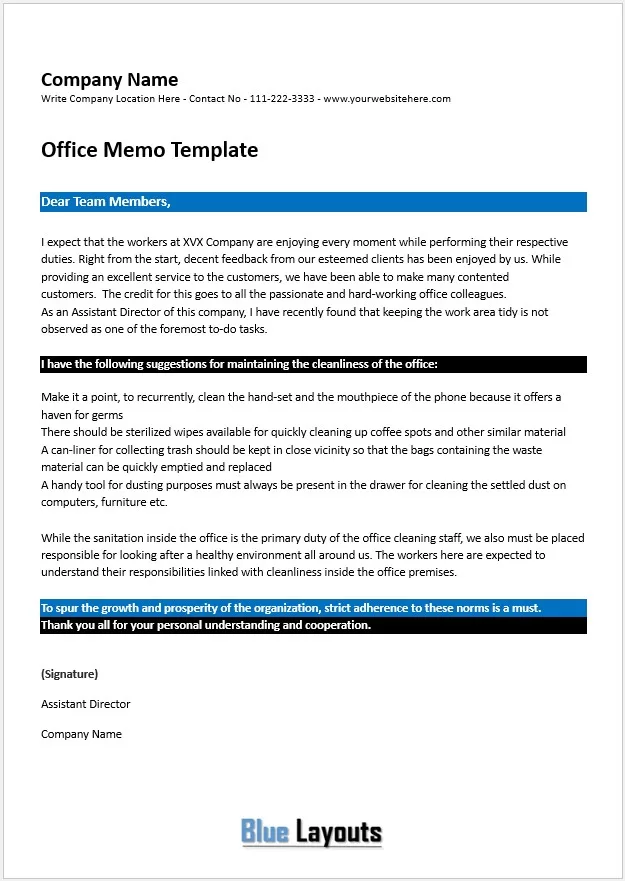
01. Office Cleanliness Reminder Example
Contains a company-information area and a sample message to staff about maintaining a tidy workplace. Use it to study the flow of a reminder, then replace the sample company, sender, and suggested practices with your own approved message.
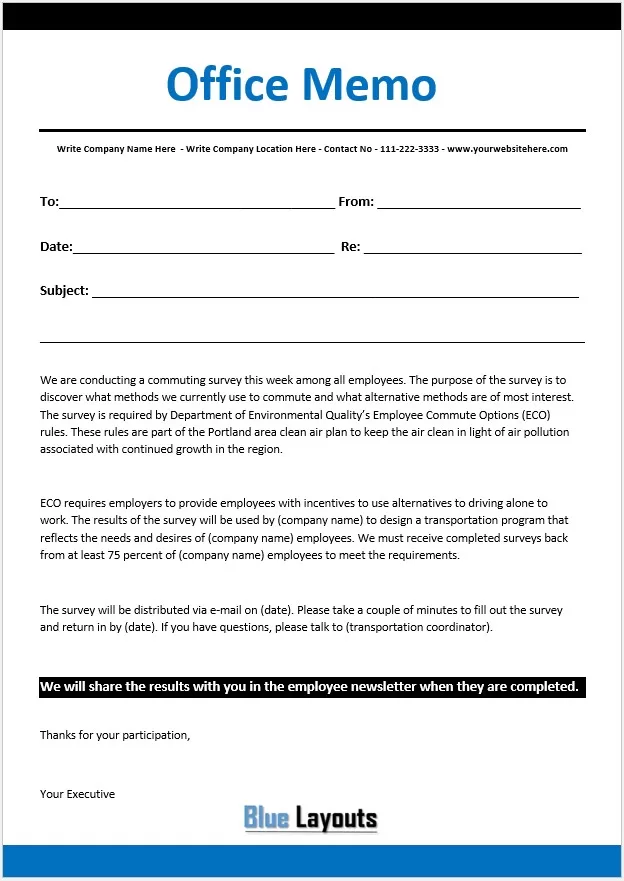
Includes To, From, Date, Re, and Subject fields with a sample request for an employee commuting survey. The text refers to Portland-area ECO rules and a participation target. Replace those references with the actual purpose, dates, and response instructions for your survey.
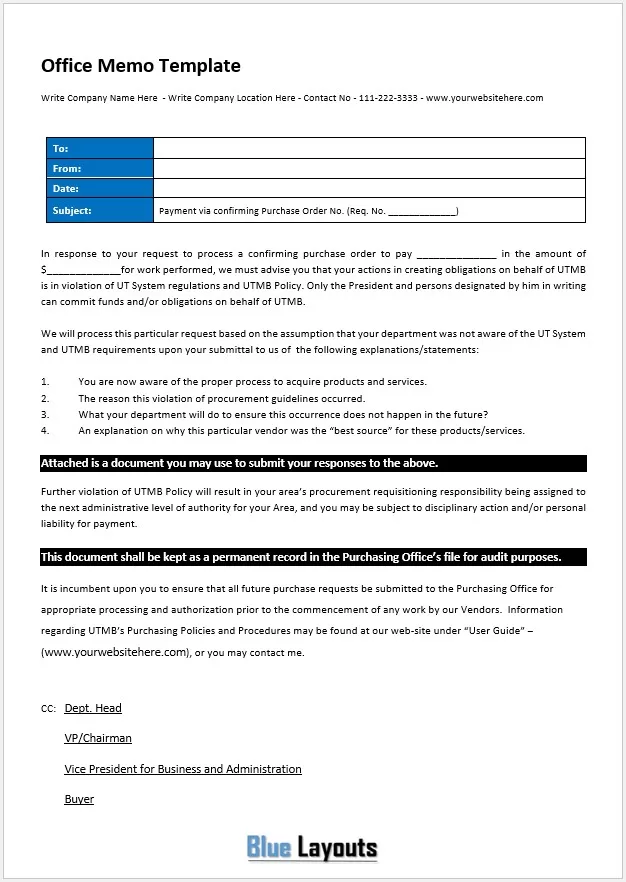
A sample purchasing memo with To, From, Date, Subject, and CC information. The body refers to UTMB procurement rules and requests explanations about a purchase. Adapt it for your organization’s actual process; review inherited policy statements and consequences before using the wording.
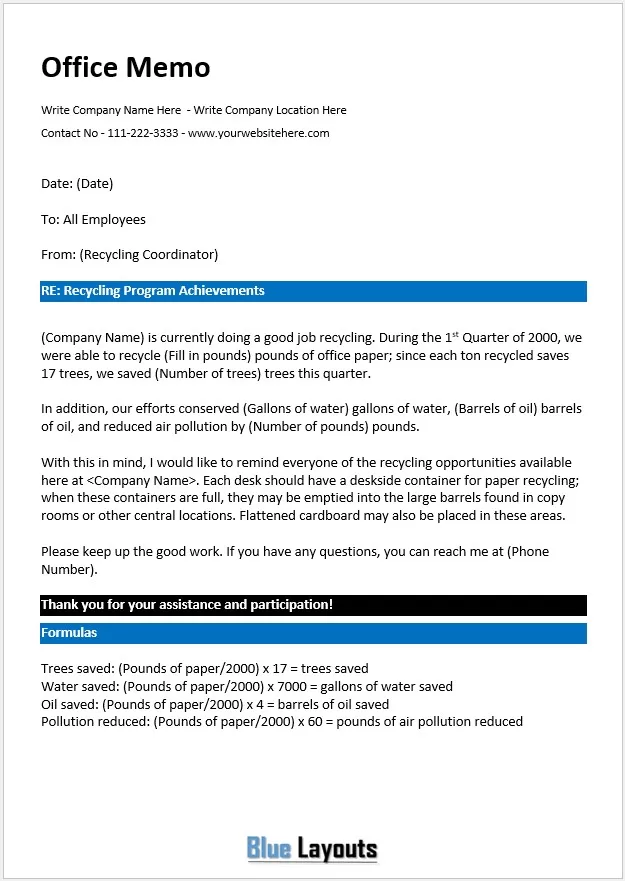
A sample announcement reporting recycling achievements and reminding staff where to place recyclable materials. It includes example environmental-conversion calculations and an old reporting period. Replace the period and use verified figures or simply report measured quantities for your program.
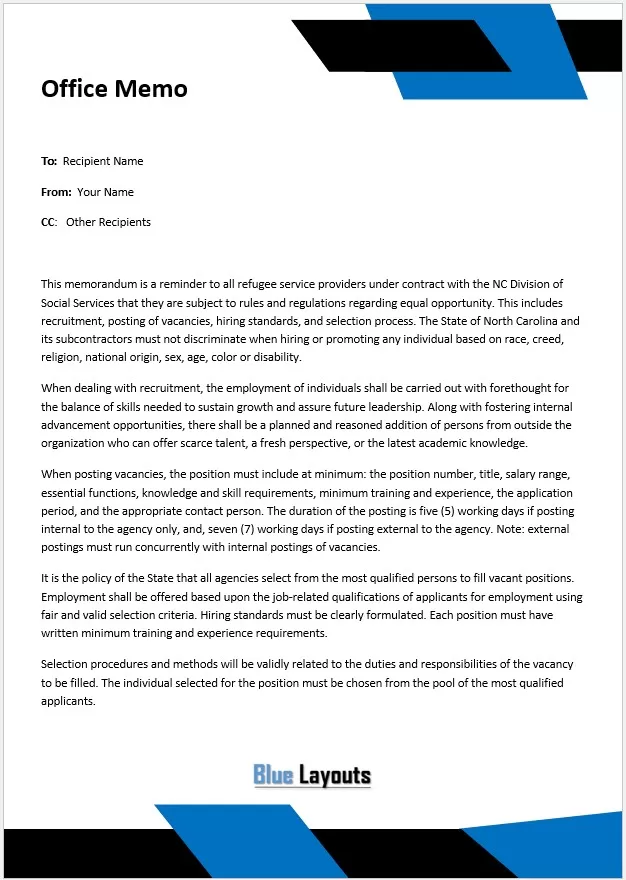
A memo with To, From, and CC fields containing a North Carolina service-provider recruitment example. Use the document’s presentation as a reference and write your own approved policy summary. Add a date and specific subject when preparing a new memo.
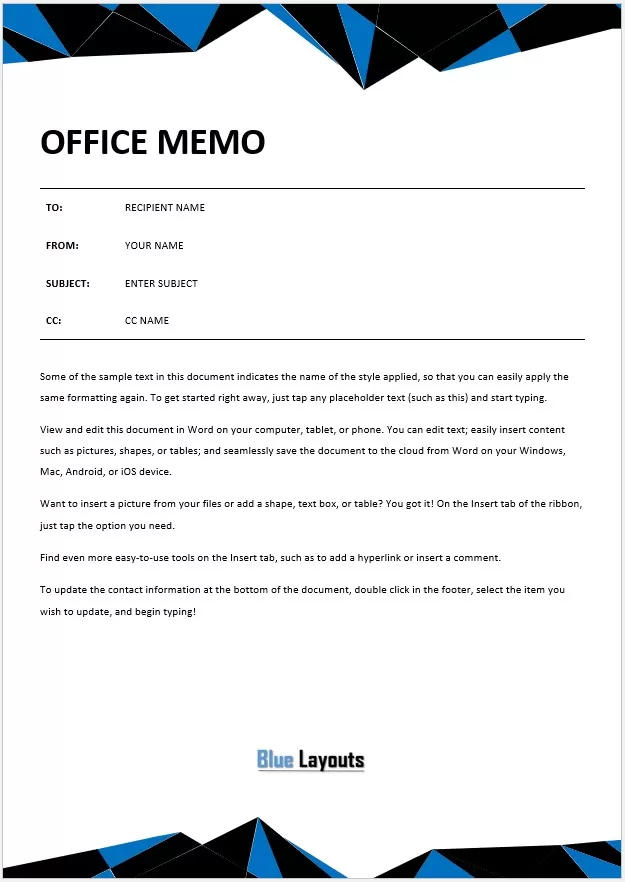
A flexible layout with To, From, Subject, and CC placeholders, sample editing instructions, and contact information in the footer. Replace the instructions with your message and add a date field. This is a practical starting point for announcements, requests, and routine updates.
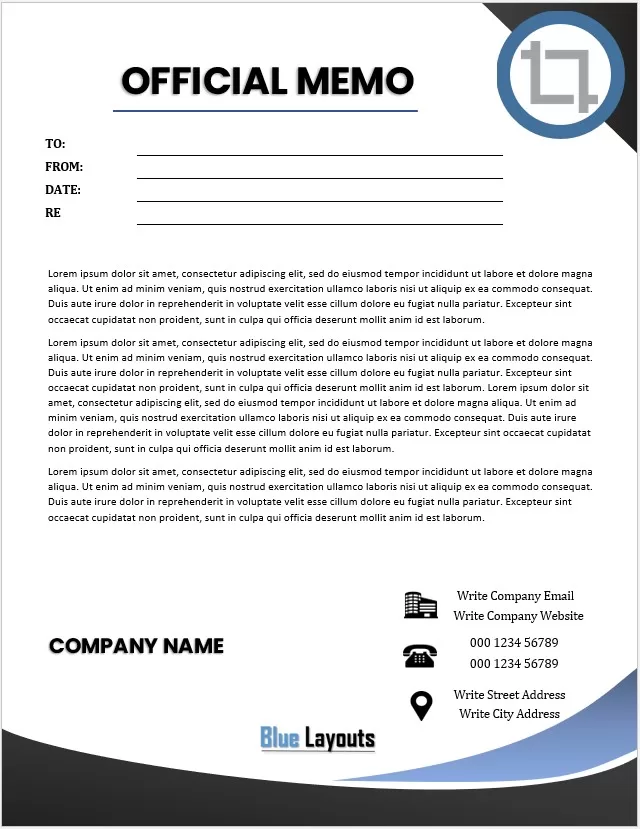
An editable design with To, From, Date, and Re fields, company-name and contact placeholders, and sample filler paragraphs. Replace all repeated business details and body text. Use the Re field for a clear subject that identifies the message.
A memo, short for memorandum, is a written message used to communicate information within an organization. It can announce a change, request a response, explain a decision, or remind a team of an existing procedure.
A useful office memo answers three questions quickly: What is the message? Who is affected? What happens next? Put the main point near the beginning so readers can understand it without searching through background information.
Standard Business Memo Format
Part
What to include
Example
To
The intended readers or team.
All office staff
From
The sender’s name or responsible role.
Office Manager
Date
The issue date, written unambiguously.
10 November [Year]
Subject or Re
A short, specific description.
Meeting room booking process begins 16 November
Opening
The purpose and most important information.
Use the shared calendar for new room bookings from 16 November.
Details
The context, affected work, and practical instructions.
Explain where to book and how to handle existing reservations.
Next step
The action, deadline, and contact for questions.
Review existing bookings by 13 November and report conflicts.
Add CC recipients or attachment references when they serve a purpose. Use the organization’s preferred style for sender identification and closing. A routine memo can go directly from its heading fields to the message without a letter-style greeting.
How to Write an Effective Office Memo
Define the purpose. Decide whether you are informing, requesting, reminding, or recommending. Focus on one main subject.
Choose the audience. Send the message to the people who need it. Explain unfamiliar terms if the memo crosses departments.
Write a specific subject. Replace “Important update” with wording that identifies the change or decision. Include a date when it helps readers distinguish notices.
Lead with the main point. State the change, request, or conclusion in the opening paragraph. Follow with only the background needed to understand it.
Make the next step clear. Name the responsible group, action, deadline, and response channel. If the memo is informational, say whether any action is needed.
Review the tone and facts. Use direct, respectful language. Check names, dates, amounts, links, attachment references, and any quoted policy wording.
Check the finished document. Review the print layout and the exported PDF if you plan to share one. Keep the editable master for later use.
Keep a routine memo concise, often one page when the message fits. Use extra pages or a referenced attachment when necessary rather than squeezing important information into small text. A longer recurring project update may fit a project status report template better.
Office Memo Example: Meeting Room Bookings
The following fictional example can be adapted for an internal process announcement.
To: All Office Staff From: Office Manager Date: 10 November [Year] Subject: Meeting Room Booking Process Begins 16 November
From 16 November, please use the shared room calendar for all new meeting room reservations. This will give staff one place to check availability and help prevent overlapping bookings.
When creating a reservation, include the organizer’s name, meeting start and end times, and any setup time needed. Please release a booking promptly if the meeting is cancelled.
Review your existing reservations by 13 November and send any scheduling conflicts to [office contact]. Confirmed reservations will remain in place during the changeover.
For help finding the calendar or updating a booking, contact [name or team] through [contact method].
The opening announces the change and effective date. The middle explains how to follow the process, and the closing identifies the review deadline and help contact.
Memo, Business Letter, or Action Plan?
Choose the document structure that fits the work. A memo is useful for a focused internal message. A business letter usually includes recipient details, a greeting, and a closing; use a sample letterhead template when preparing that kind of correspondence.
If the message launches several tasks, use the memo to explain the decision and link to an action plan for owners, dates, and progress. This keeps the announcement readable while giving the team a separate record to update.
Customize and Print Your Memo
Update the organization’s name, logo, contact details, and footer where present.
Replace sample messages and filler paragraphs throughout the document.
Use readable text and clear spacing between the heading fields and body.
Check whether the selected layout needs a date, subject, or additional contact field.
Keep the issue date distinct from any effective date or response deadline.
Confirm that attachments and links mentioned in the memo are available to its readers.
Review every page for clipped text, overlaps, and awkward page breaks.
Frequently Asked Questions
Are these memo templates editable in Microsoft Word?
Yes. All seven ZIP downloads contain DOCX documents. Extract the selected file and edit its text and layout in Word.
Which template is best for a new office memo?
Start with Template 06 for a flexible office layout or Template 07 for a design with company contact details and standard heading fields. Add or rename fields as needed.
Are the other downloads blank templates?
Templates 01–05 include sample workplace messages. You can replace their content, but check all inherited names, policy references, dates, and figures before sharing a new memo.
Does a memo need both Re and Subject fields?
Usually one clear subject field is sufficient. Template 02 includes both labels; retain the one that matches your organization’s style or give them distinct purposes if your process requires both.
Can I save a memo as PDF?
Yes. Complete the Word document, review its layout, and use Word’s PDF export or save option. The downloads themselves contain Word files.
How long should an office memo be?
Use the length needed to explain the message and next steps clearly. Many routine notices fit on one page. Put detailed supporting material in a referenced attachment when that makes the memo easier to use.