A sample letterhead template gives business correspondence a consistent place for the company name and contact information. Replace the sample details with your own, then add the letter’s date, recipient, subject, message, and closing.
The free Word document below includes company-name and tagline placeholders, address and contact fields, and sample body text. It is an editable stationery design, not a completed business letter or evidence of professional certification.
Download the Free Sample Letterhead Template for Word
Download format: ZIP archive containing one Microsoft Word document (.docx).
Included: Company name, tagline, city and street address, website, email, phone placeholders, and sample letter-body text.
Download Sample Letterhead Word Template (ZIP)
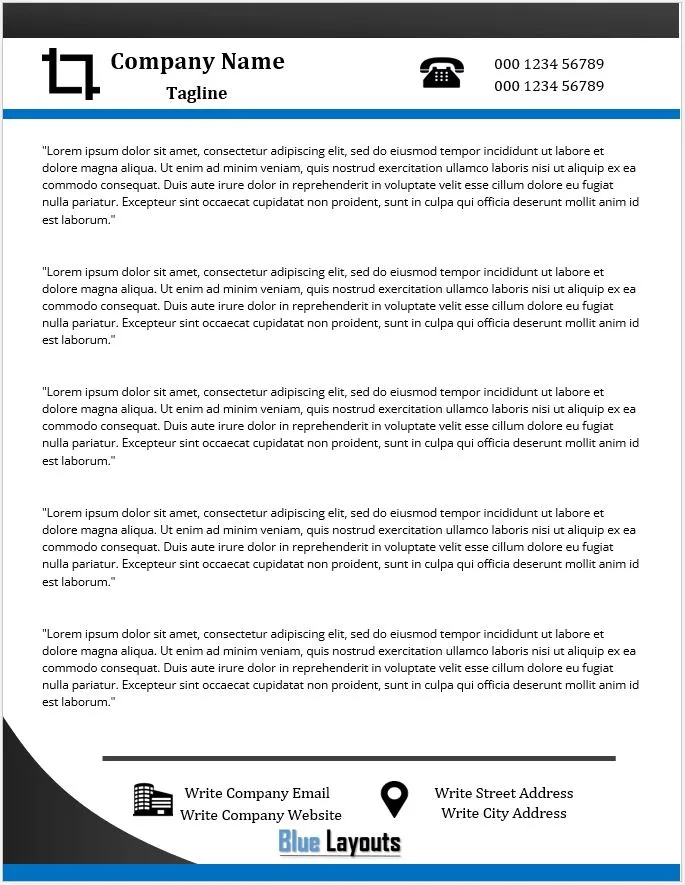
Extract the ZIP and open the document in Microsoft Word. Save a working copy and replace all placeholder information. A separate PDF or Excel file is not included.
Review our Terms & Conditions for usage information.
What Can You Customize?
- Company name: Replace the sample name with the organization or individual presenting the letter.
- Tagline: Add a suitable line or remove it if unnecessary.
- Address: Update the street and city placeholders with the relevant contact address.
- Website and email: Enter current, correctly spelled details.
- Phone numbers: Replace every sample number and label multiple numbers where helpful.
- Body content: Remove the sample Latin paragraphs and write the actual correspondence.
The design uses positioned elements in the document body. It is not set up as an automatically repeating Word header and footer, and it does not provide a mail-merge workflow.
For a different design, compare our alternative letterhead template. Keep one approved master for whichever design you choose.
How to Prepare Your Business Letterhead
1. Replace the business details
Update the company name, tagline, address, website, email, and phone entries. Inspect each visible text element rather than changing only the first occurrence. The file contains repeated text elements that may need separate attention.
Include the details appropriate to the sender and purpose. Check any organization-specific requirements for additional disclosures rather than assuming that the original placeholders form a complete list.
2. Adjust branding without crowding the letter
Keep the company name and contact information readable. If you add a logo, preserve its proportions and review its clarity at the printed size. Do not let decorative elements overlap the writing area.
Use consistent typography across the letterhead and other stationery. Our business card template offers another layout to review when preparing related contact materials.
3. Replace the sample body text
Remove all sample paragraphs, including any inside positioned text areas. Add a date, recipient details, subject where useful, greeting, message, closing, and sender identification as appropriate.
The letterhead supplies the visual identity and contact details; it does not generate the letter’s wording. For a short internal notice, a memo template may be a better document structure.
4. Check spacing and additional pages
Review the completed letter, not just the blank design. Longer text can reveal overlaps or page breaks that were not apparent in the sample.
Because branding is positioned in the body, do not assume it will repeat correctly on page two. For recurring multi-page letters, deliberately configure a header/footer or a continuation-page layout and test the result.
5. Save the master and a finished copy
Keep an editable master containing the approved business details. Create a new copy for each letter so the master remains reusable. You can save a customized Word template through Word if that suits your workflow; the download itself is a .docx document.
Before sharing a PDF, inspect the exported file for shifted text, clipped graphics, and incorrect page breaks.
Example Contact Information
The following fictional details illustrate the placeholders. Replace them with your own verified information:
Example Services
Practical support for everyday business
100 Example Street, Example City
www.example.com
office@example.com
Phone: [Your business number]
Use only contact channels that the recipient can actually use. Check the displayed email and website as well as any clickable links.
Printing Your Letterhead
Check the paper size, margins, and printable area before printing multiple copies. Make a test print with a completed letter to confirm that the design leaves enough room for the message.
Color can look different on screen and paper. If exact brand color or edge-to-edge printing matters, discuss the file and output requirements with the printer rather than assuming that a Word document is ready for every print process.
Also review a grayscale copy when the letter may be printed without color. Avoid producing a large batch before confirming the contact details and approving the proof.
Choose the Right Correspondence Document
Use the letterhead for business letters and other correspondence that suits its format. A fax cover sheet serves a separate transmission-summary purpose, while an invoice template records transaction charges.
Consistent branding can connect these documents visually, but the letterhead does not replace their fields or calculations.
Sample Letterhead Template FAQs
Is the letterhead template free?
Yes. The ZIP contains the Word document. Review the site’s usage terms before using or distributing it.
Can I change the company name and contact details?
Yes. Replace all sample details and check repeated text elements after editing.
Does the branding repeat automatically on later pages?
The original branding is in positioned body elements, not a repeating header/footer. Check or configure additional pages deliberately.
Can I use Google Docs?
You can try importing the .docx file. Positioned elements and spacing may change, so review the completed document and its print output.
Is a PDF included?
No separate PDF is included. Export a completed copy from your document application and inspect the result.
Does letterhead certify the sender’s business?
No. It is a stationery layout and does not establish registration, accreditation, or certification.
Explore more stationery templates or browse our Microsoft Word templates.


Pingback: Avery Label Templates for Word: Downloads & Printing Guide